Wealth Roles Discord bot
Wealth Roles automatically grants and removes roles based on members' MEE6 coin balances.
No code needed. Try it in your browser before adding it to Discord.
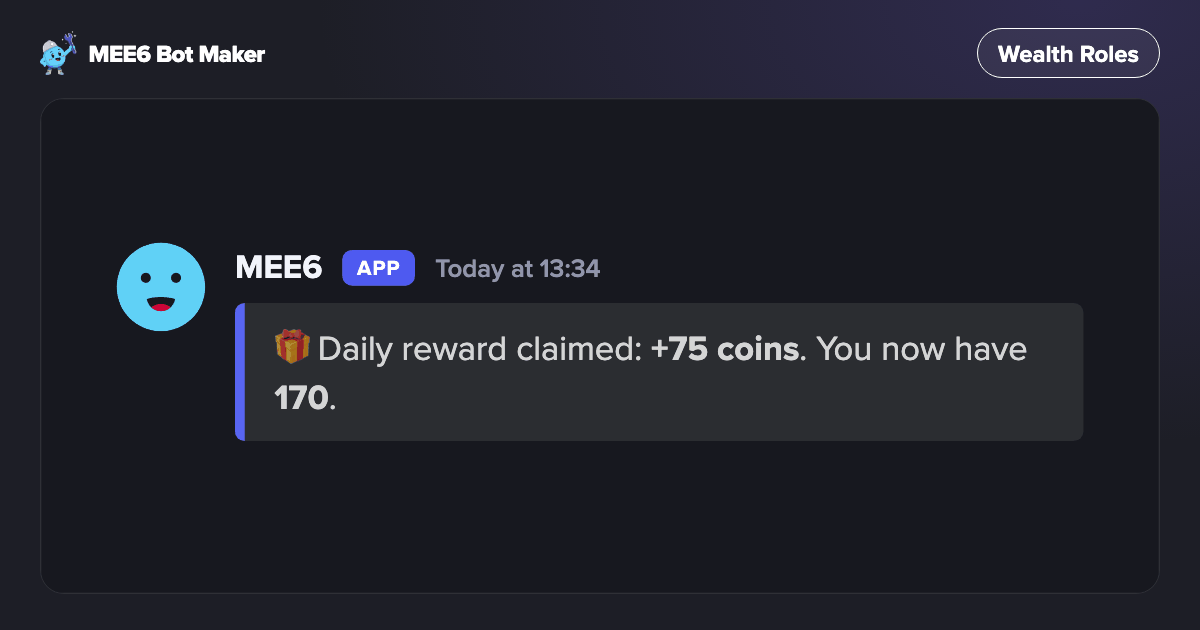
What it does
Wealth Roles automatically grants and removes roles based on members' MEE6 coin balances.
How it works
- Checks balances whenever a member sends a message
- Grants roles at 1,000, 10,000, and 100,000 coin thresholds
- Automatically removes roles if balance drops below a threshold
/wealthshows any member's current tier and progress
Configuration
Set three roles in the dashboard for each wealth tier (Bronze, Silver, Gold). Members accumulate all roles they qualify for — someone with 50,000 coins has both Bronze and Silver.
Commands
/wealthCheck your or another member's wealth tier
Add Wealth Roles to your server
Log in with Discord
Sign in with your Discord account and choose the server where you want it.
Try it here
Play with commands, buttons and replies in a simulated Discord server, right in your browser. Your real server stays untouched.
Add it to your server
Choose your server, check the settings and add your module. Want something different? Just ask MEE6 to change it.
The prompt behind it
Give three roles I choose in settings when a member's MEE6 coins pass 1,000, 10,000 and 100,000, checked whenever they send a message, take a role back if they drop below its threshold, and add /wealth which shows a member's tier Use an editable list of named coin thresholds and roles, with Bronze/Silver/Gold thresholds as defaults and roles chosen by the admin.