AFK Status Discord bot
AFK Status lets members mark themselves away and automatically notifies anyone who mentions them.
No code needed. Try it in your browser before adding it to Discord.
What it does
AFK Status lets members mark themselves away and automatically notifies anyone who mentions them.
How to use
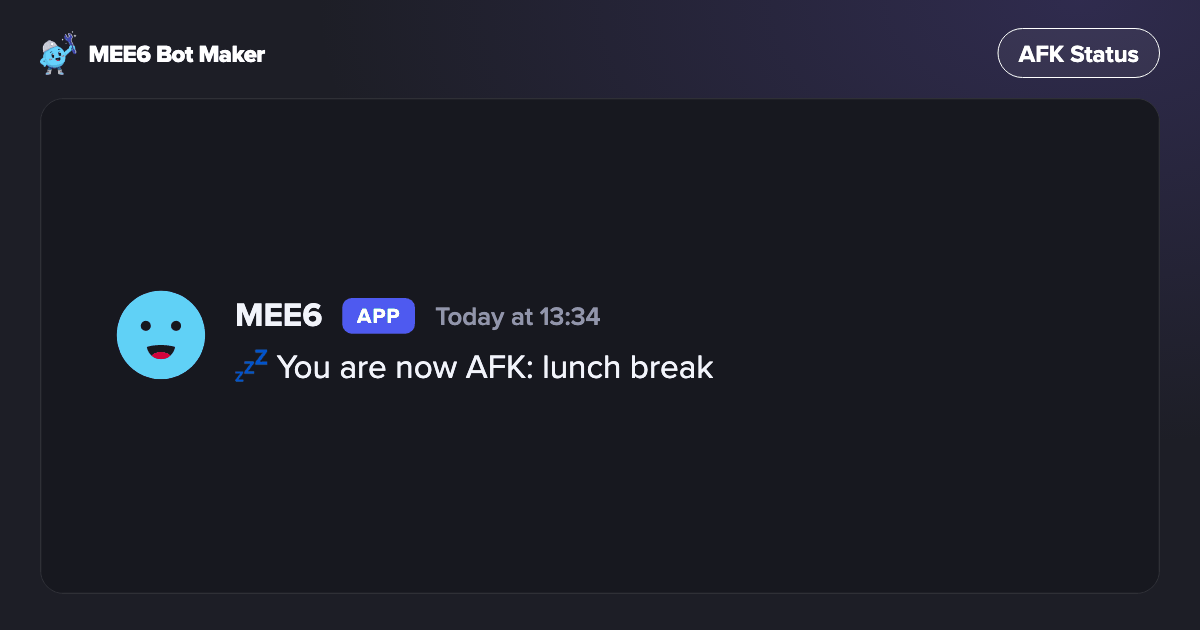
/afk [reason]— Mark yourself as AFK with an optional reason (defaults to "AFK")- When someone mentions you, the bot replies with your AFK status and how long you've been away
- As soon as you send a message, your AFK status is cleared automatically
The bot only replies once per message to avoid spam, even if multiple AFK members are mentioned.
Commands
/afkMark yourself as AFK
Add AFK Status to your server
Log in with Discord
Sign in with your Discord account and choose the server where you want it.
Try it here
Play with commands, buttons and replies in a simulated Discord server, right in your browser. Your real server stays untouched.
Add it to your server
Choose your server, check the settings and add your module. Want something different? Just ask MEE6 to change it.
The prompt behind it
Add an /afk command with an optional reason: when someone mentions an AFK member, reply that they are away, and clear it as soon as they talk again