Queue System Discord bot
A queue system that lets members join and leave a line, while staff can call the next person.
No code needed. Try it in your browser before adding it to Discord.
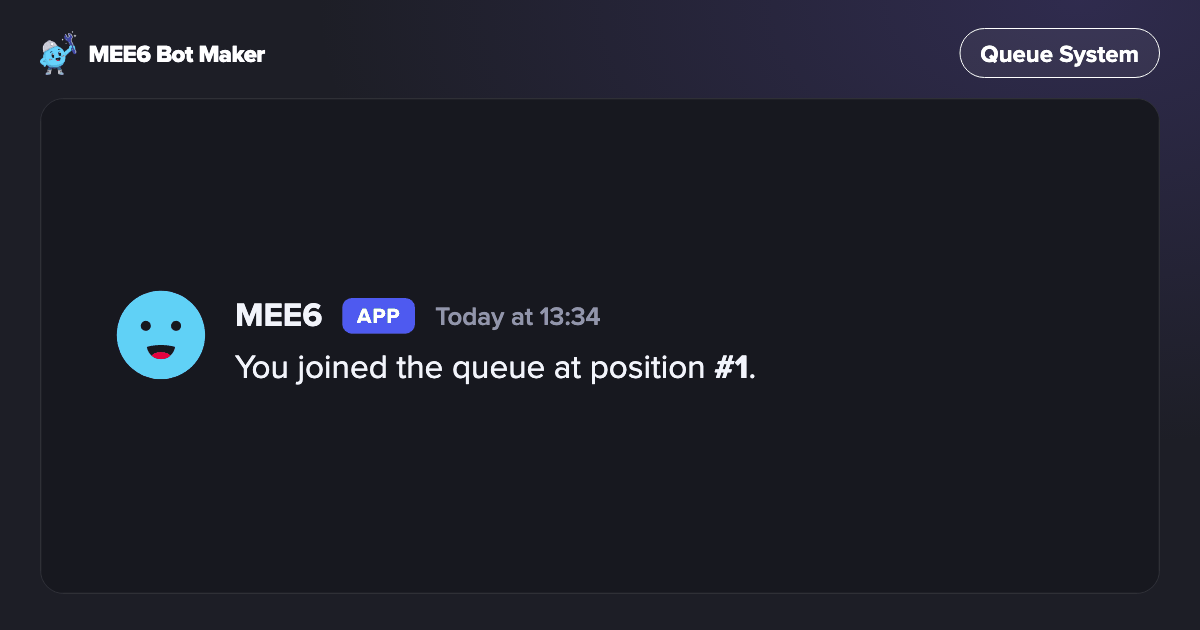
What it does
A queue system that lets members join and leave a line, while staff can call the next person.
Commands:
/waitlist join— Join the queue and see your position/waitlist leave— Leave the queue/waitlist show— View everyone in the queue/waitlist next— (Staff only) Ping the first person and remove them from the queue
Setup: Set the staff role in the dashboard so staff can use /waitlist next.
Commands
/waitlist joinJoin the queue/waitlist leaveLeave the queue/waitlist nextCall the next person in queue (staff only)/waitlist showShow the current queue
Add Queue System to your server
Log in with Discord
Sign in with your Discord account and choose the server where you want it.
Try it here
Play with commands, buttons and replies in a simulated Discord server, right in your browser. Your real server stays untouched.
Add it to your server
Choose your server, check the settings and add your module. Want something different? Just ask MEE6 to change it.
The prompt behind it
Add /waitlist join and /waitlist leave for members, /waitlist next for the @Staff role which pings the first in line and removes them, and /waitlist show which lists positions