Clans Discord bot
Clans lets members form groups with shared banks and competitive upgrades.
No code needed. Try it in your browser before adding it to Discord.
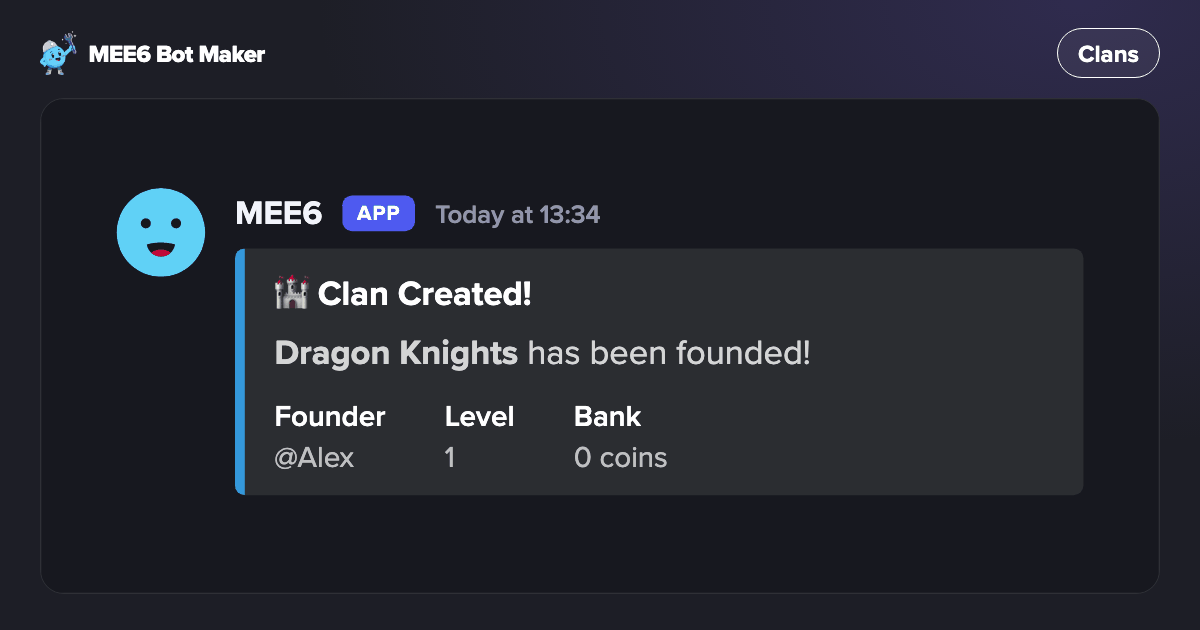
What it does
Clans lets members form groups with shared banks and competitive upgrades.
Commands
/clan create <name>— Found a new clan/clan invite @user— Invite someone to your clan (expires in 1 hour)/clan join— Accept a pending invitation/clan deposit <amount>— Add coins to your clan's bank/clan upgrade— Spend bank coins to level up (owner only)/clan info— View your clan's stats/clans— See the leaderboard ranked by level and bank
How it works
Each clan has a shared bank that members deposit into. The owner can spend the bank to upgrade the clan's level. Upgrade costs increase with level: L1→2 costs 300 coins, L2→3 costs 600, and so on. Clans compete on the leaderboard, sorted by level first, then bank size.
Commands
/clan createCreate a new clan/clan inviteInvite a member to your clan/clan joinJoin a clan you were invited to/clan depositDeposit coins into your clan bank/clan upgradeUpgrade your clan using the bank/clansView the clan leaderboard/clan infoView your clan information
Add Clans to your server
Log in with Discord
Sign in with your Discord account and choose the server where you want it.
Try it here
Play with commands, buttons and replies in a simulated Discord server, right in your browser. Your real server stays untouched.
Add it to your server
Choose your server, check the settings and add your module. Want something different? Just ask MEE6 to change it.
The prompt behind it
Build clans: /clan create names one, /clan invite and /clan join add members, /clan deposit pays coins into a shared bank, /clan upgrade spends the bank on a level, and /clans ranks the clans by level and bank