DISBOARD Bump Reminder Discord bot
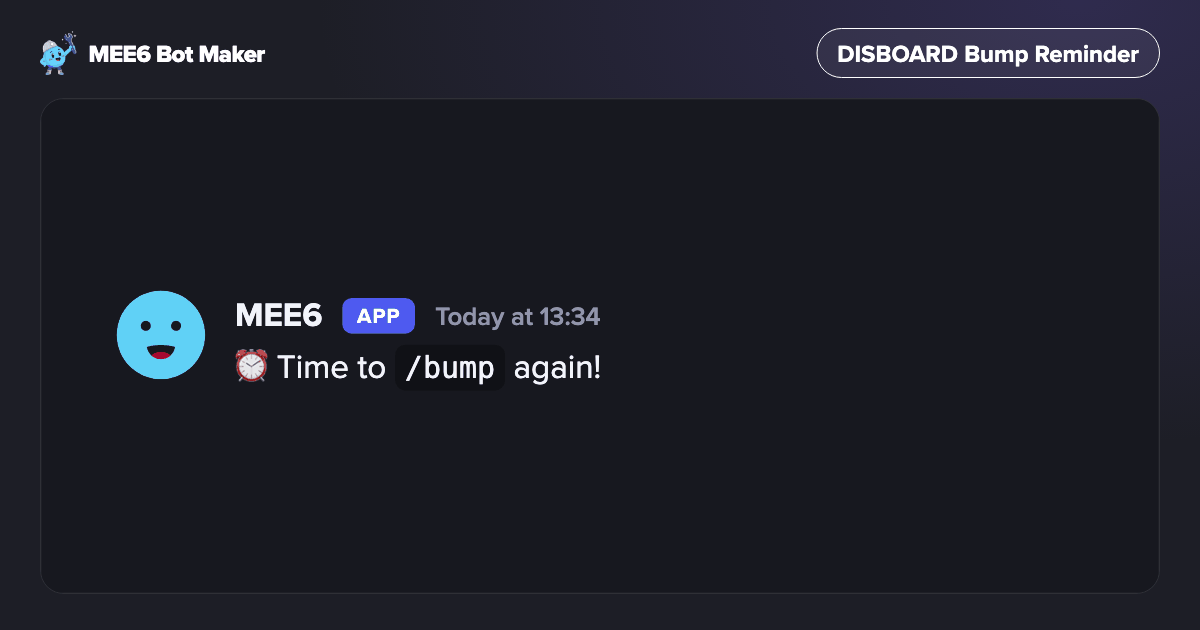
Automatically schedules a reminder 2 hours after DISBOARD confirms a successful bump. When someone bumps again before the reminder fires, it cancels the old one and schedules a new 2-hour countdown. The reminder posts in the same channel where the bump happened.
No code needed. Try it in your browser before adding it to Discord.
What it does
Automatically schedules a reminder 2 hours after DISBOARD confirms a successful bump. When someone bumps again before the reminder fires, it cancels the old one and schedules a new 2-hour countdown. The reminder posts in the same channel where the bump happened.
Add DISBOARD Bump Reminder to your server
Log in with Discord
Sign in with your Discord account and choose the server where you want it.
Try it here
Play with commands, buttons and replies in a simulated Discord server, right in your browser. Your real server stays untouched.
Add it to your server
Choose your server, check the settings and add your module. Want something different? Just ask MEE6 to change it.
The prompt behind it
When the DISBOARD bot says "Bump done", post a reminder in that channel two hours later saying it is time to /bump again, and cancel the pending reminder if a new bump happens first