Ping Panel Discord bot
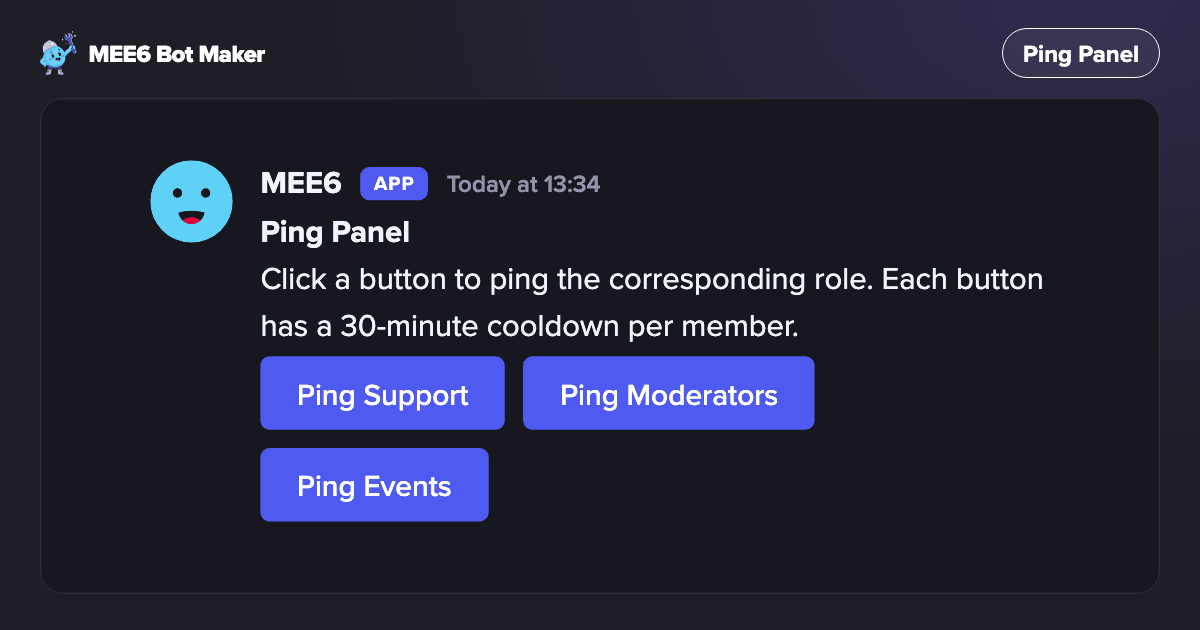
Ping Panel lets admins post a panel with buttons that ping specific roles. Each member can press each button once every 30 minutes, and the ping messages are automatically deleted after 10 minutes to keep the channel clean.
No code needed. Try it in your browser before adding it to Discord.
What it does
Ping Panel lets admins post a panel with buttons that ping specific roles. Each member can press each button once every 30 minutes, and the ping messages are automatically deleted after 10 minutes to keep the channel clean.
Usage:
- Configure the three roles in the dashboard settings
- Run
/pingpanelto post the panel - Members click buttons to ping roles (with cooldowns shown)
Commands
/pingpanelPost the ping panel
Add Ping Panel to your server
Log in with Discord
Sign in with your Discord account and choose the server where you want it.
Try it here
Play with commands, buttons and replies in a simulated Discord server, right in your browser. Your real server stays untouched.
Add it to your server
Choose your server, check the settings and add your module. Want something different? Just ask MEE6 to change it.
The prompt behind it
Add /pingpanel which posts a panel with one button per role I choose in settings (three roles); pressing a button pings that role in the channel, each member can press a button only once every 30 minutes, and the ping is deleted after ten minutes