Event Countdown Discord bot
Schedule event announcements with a countdown timer.
No code needed. Try it in your browser before adding it to Discord.
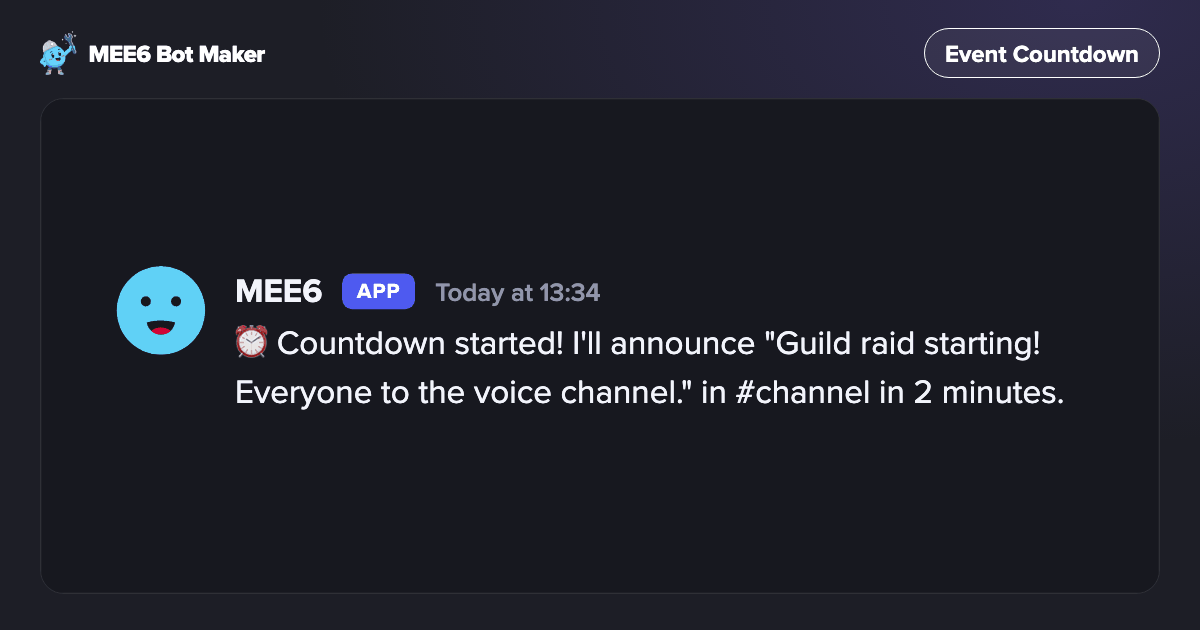
What it does
Schedule event announcements with a countdown timer.
Commands:
/countdown start— Set a countdown with minutes and event description/countdown cancel— Cancel the active countdown
Setup: Configure the announcement channel in settings (defaults to #general in test mode).
The bot will post an embed announcement when the countdown completes.
Commands
/countdown startStart a countdown to an event/countdown cancelCancel the active countdown
Add Event Countdown to your server
Log in with Discord
Sign in with your Discord account and choose the server where you want it.
Try it here
Play with commands, buttons and replies in a simulated Discord server, right in your browser. Your real server stays untouched.
Add it to your server
Choose your server, check the settings and add your module. Want something different? Just ask MEE6 to change it.
The prompt behind it
Add /countdown start, which announces an event in #general after a number of minutes, and /countdown cancel, which calls it off