Scheduled announcements Discord bot
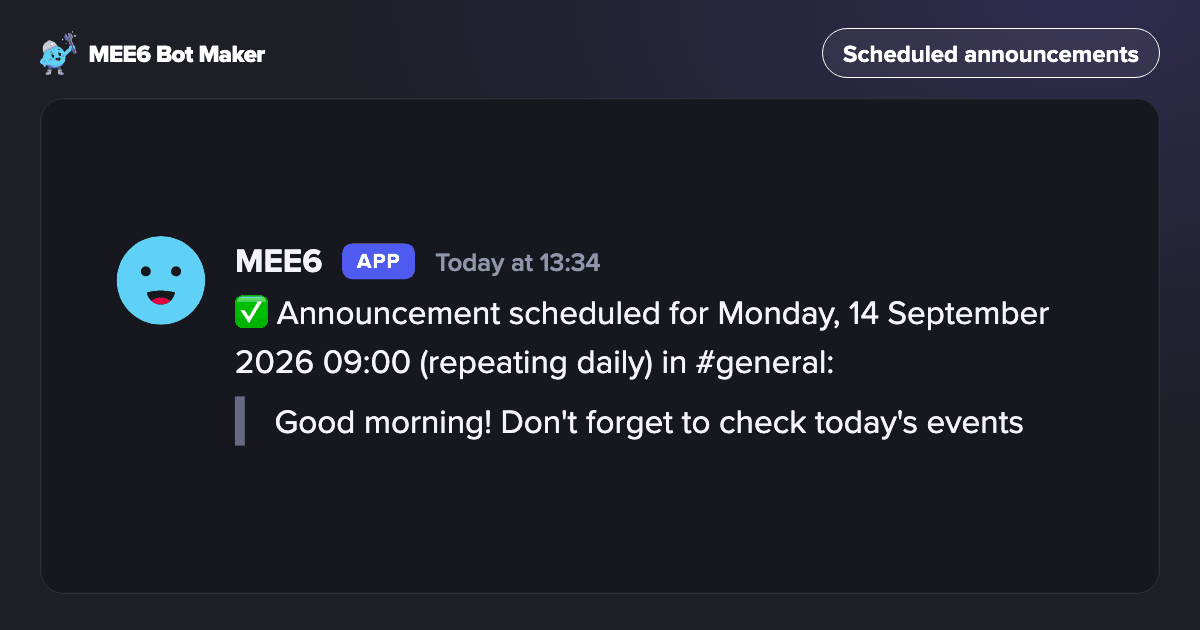
Schedule announcements in any channel at a specific date and time (UTC). Choose from one-time, daily, weekly, every two weeks, or monthly on a specific day. Type "random" as the message to rotate through five motivational messages each time.
No code needed. Try it in your browser before adding it to Discord.
What it does
Schedule announcements in any channel at a specific date and time (UTC). Choose from one-time, daily, weekly, every two weeks, or monthly on a specific day. Type "random" as the message to rotate through five motivational messages each time. Pause and resume announcements, view all scheduled posts with /announce list, and manage up to 10 announcements. Repeating announcements automatically delete their previous post before sending the new one.
Commands
/announce createSchedule a message in a channel/announce listView all scheduled announcements/announce pausePause an announcement/announce resumeResume a paused announcement
Add Scheduled announcements to your server
Log in with Discord
Sign in with your Discord account and choose the server where you want it.
Try it here
Play with commands, buttons and replies in a simulated Discord server, right in your browser. Your real server stays untouched.
Add it to your server
Choose your server, check the settings and add your module. Want something different? Just ask MEE6 to change it.
The prompt behind it
Add /announce which schedules a message in a channel at a date and time to the minute, once or repeating daily, weekly, every other week or monthly on a day of the month, deleting its previous post when it repeats; /announce list, /announce pause and /announce resume, at most ten announcements, and a random mode which picks one of five lines from the code each time