Item Inventory Discord bot
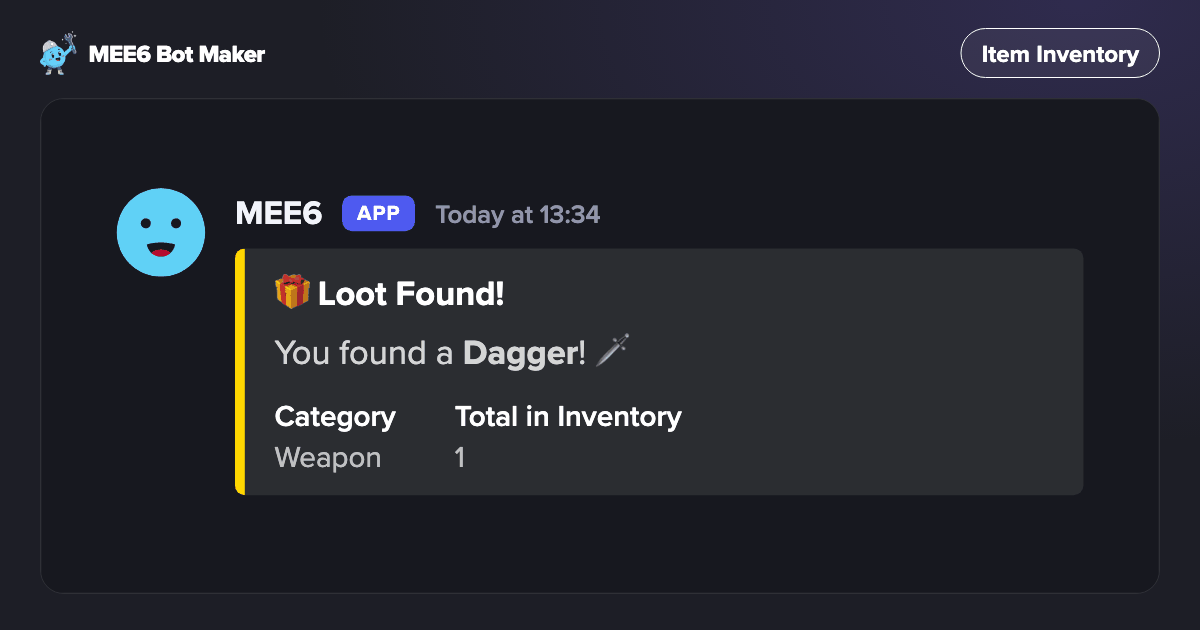
Find random items with /loot and view your collection with /inventory. Use the dropdown menu to filter by category (weapons, armor, potions) or view everything at once.
No code needed. Try it in your browser before adding it to Discord.
What it does
Find random items with /loot and view your collection with /inventory. Use the dropdown menu to filter by category (weapons, armor, potions) or view everything at once.
Commands
/lootFind a random item!/inventoryView your items
Add Item Inventory to your server
Log in with Discord
Sign in with your Discord account and choose the server where you want it.
Try it here
Play with commands, buttons and replies in a simulated Discord server, right in your browser. Your real server stays untouched.
Add it to your server
Choose your server, check the settings and add your module. Want something different? Just ask MEE6 to change it.
The prompt behind it
Build an inventory: /loot gives a random item from a list in the code with a category (weapon, armor, potion), and /inventory shows what the member owns with a select menu to show one category at a time, editing the message in place