Party Games Discord bot
A collection of party game commands to play with your friends:
No code needed. Try it in your browser before adding it to Discord.
What it does
A collection of party game commands to play with your friends:
Commands:
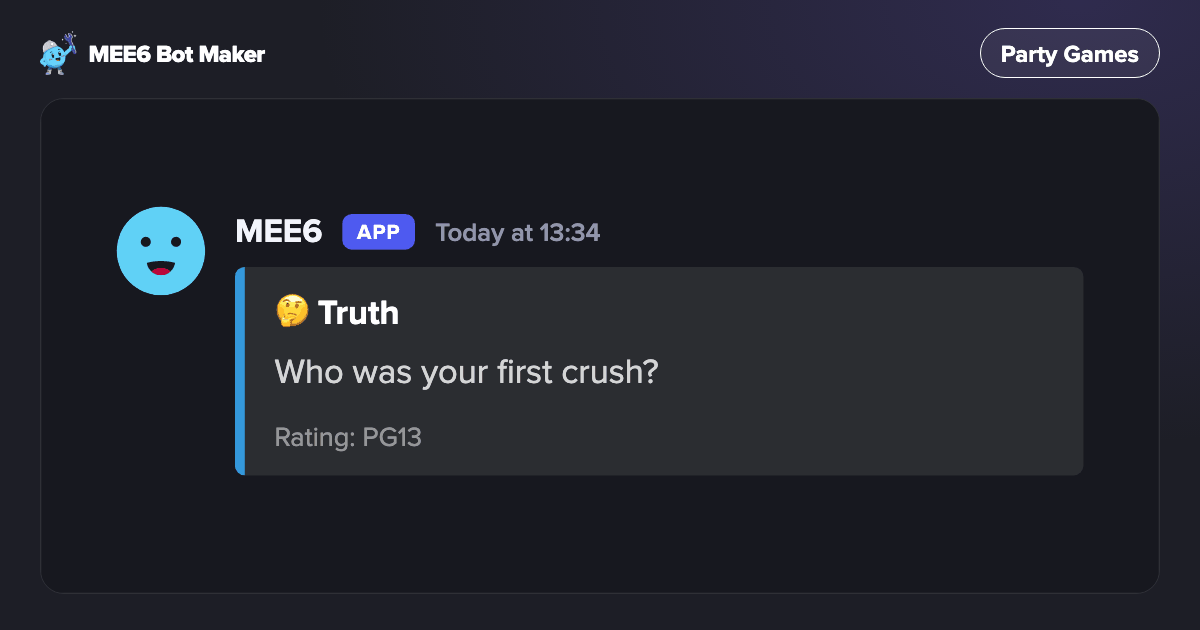
/truth— Get a random truth question/dare— Get a random dare challenge/wyr— Get a Would You Rather question/nhie— Get a Never Have I Ever statement/paranoia @member— Send a secret question to someone via DM. They answer in the channel, and there's a 50% chance the question gets revealed!
Content Rating: Choose PG, PG13, or R in the settings. Higher ratings include all lower-rated content, so PG13 gets both PG and PG13 questions.
Perfect for server parties, game nights, or just breaking the ice!
Commands
/truthGet a random truth question/dareGet a random dare challenge/wyrGet a Would You Rather question/nhieGet a Never Have I Ever statement/paranoiaAsk someone a paranoia question (50% chance to reveal)
Add Party Games to your server
Log in with Discord
Sign in with your Discord account and choose the server where you want it.
Try it here
Play with commands, buttons and replies in a simulated Discord server, right in your browser. Your real server stays untouched.
Add it to your server
Choose your server, check the settings and add your module. Want something different? Just ask MEE6 to change it.
The prompt behind it
Build /truth, /dare, /wyr and /nhie drawing from lists in the code, with a rating setting (pg, pg13, r), plus /paranoia which DMs a question to a member you name and reveals it in the channel only half of the time Make each game content bank an editable list of text and rating, retaining the existing prompts as defaults.