Weekly Payroll Discord bot
Members holding a specific role can claim MEE6 coins once per week. Track claim history and see yearly leaderboards.
No code needed. Try it in your browser before adding it to Discord.
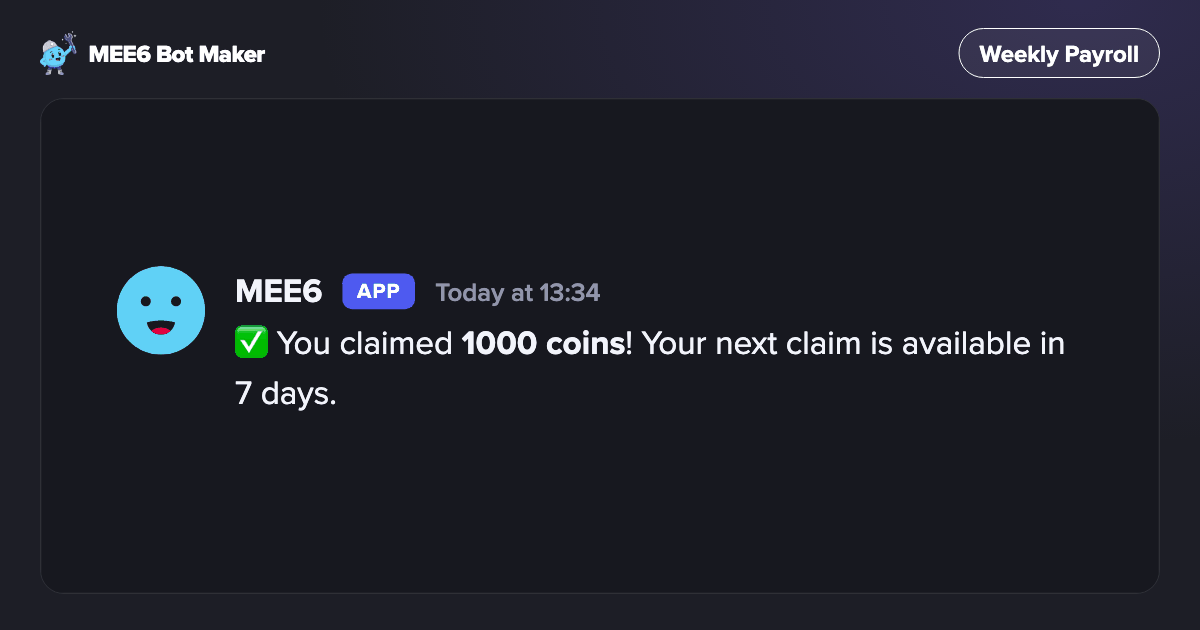
What it does
Members holding a specific role can claim MEE6 coins once per week. Track claim history and see yearly leaderboards.
Commands:
/payroll claim— Claim your weekly coins (7-day cooldown)/payroll status— Check when your next claim is ready/payroll top— See who claimed the most this year
Settings:
- Eligible role — Which role can claim payroll
- Coins per claim — How many coins each claim gives
Commands
/payroll claimClaim your weekly payroll/payroll statusCheck when your next payroll is available/payroll topSee who claimed the most payrolls this year
Add Weekly Payroll to your server
Log in with Discord
Sign in with your Discord account and choose the server where you want it.
Try it here
Play with commands, buttons and replies in a simulated Discord server, right in your browser. Your real server stays untouched.
Add it to your server
Choose your server, check the settings and add your module. Want something different? Just ask MEE6 to change it.
The prompt behind it
Members holding a role I choose in settings can run /payroll claim once a week to receive an amount of MEE6 coins set in settings, /payroll status shows when their next claim opens, and /payroll top shows who claimed the most this year