Daily Question Discord bot
Posts an engaging question every day at 3pm UTC in your chosen channel, automatically opens a discussion thread for answers, and cycles through 20 questions per category without repeating until all have been asked.
No code needed. Try it in your browser before adding it to Discord.
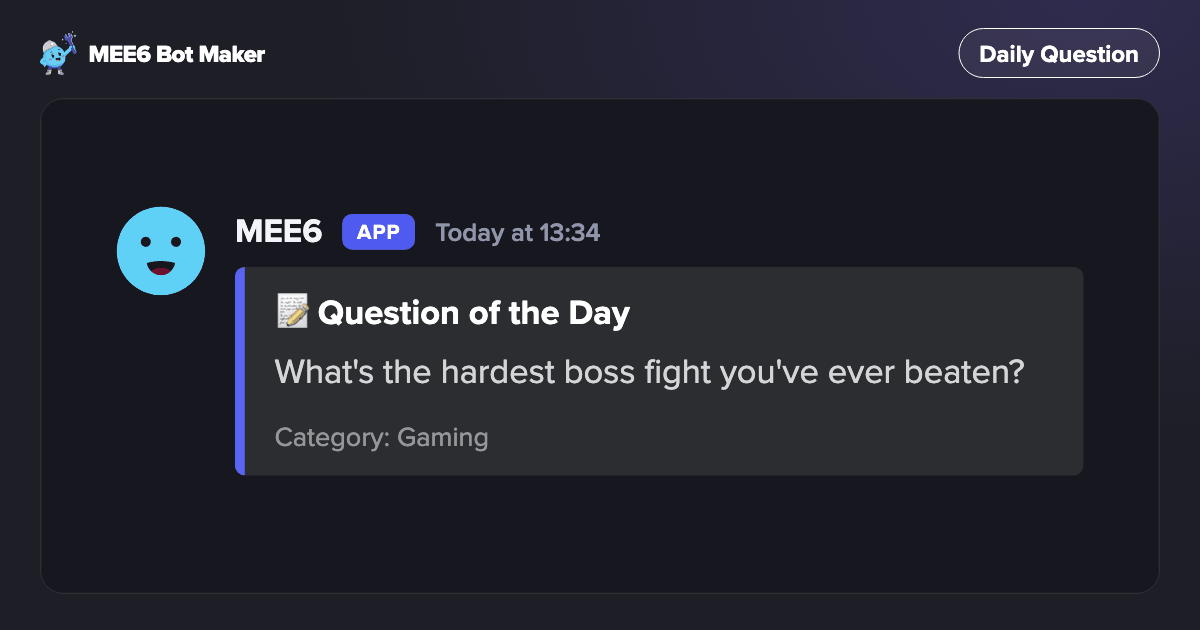
What it does
Posts an engaging question every day at 3pm UTC in your chosen channel, automatically opens a discussion thread for answers, and cycles through 20 questions per category without repeating until all have been asked.
How to use:
- Set your question channel in the dashboard
- Choose a category: gaming, philosophy, or icebreaker (default: gaming)
- Run
/qotd setupto start the daily schedule - Use
/qotd nowto post a question immediately (great for testing!) - Use
/qotd stopto cancel the daily schedule
Each question gets its own discussion thread so conversations stay organized.
Commands
/qotd nowPost a question right now
Add Daily Question to your server
Log in with Discord
Sign in with your Discord account and choose the server where you want it.
Try it here
Play with commands, buttons and replies in a simulated Discord server, right in your browser. Your real server stays untouched.
Add it to your server
Choose your server, check the settings and add your module. Want something different? Just ask MEE6 to change it.
The prompt behind it
Post a question of the day every day at 3pm UTC in a channel I choose, drawn from a category set in settings (gaming, philosophy, icebreaker) with twenty questions each in the code, open a thread for the answers, and never repeat a question until all have been asked Make questions and their category editable through list settings, retaining the existing question bank as defaults.