Reaction Roles Discord bot
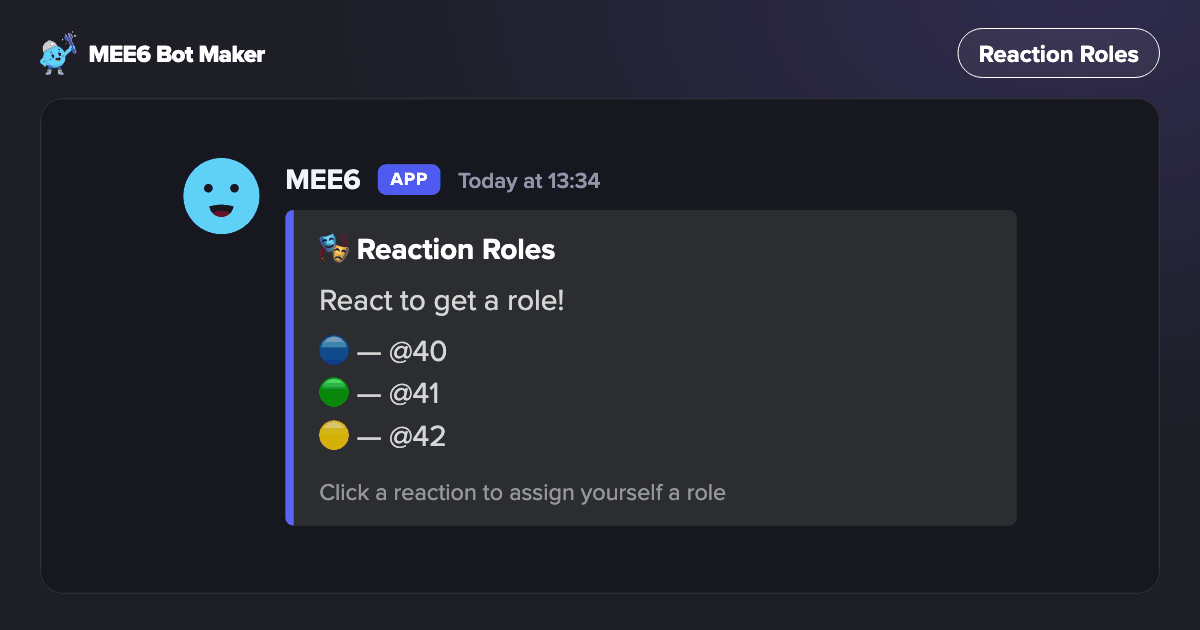
Reaction Roles lets members assign themselves roles by reacting. Configure up to five emoji/role pairs in Setup; three starter emojis are included (🔵 🟢 🟡), and only the server roles need selecting. Run /roles to post a panel. Adding a reaction grants its role; removing it removes the role.
No code needed. Try it in your browser before adding it to Discord.
What it does
Reaction Roles lets members assign themselves roles by reacting. Configure up to five emoji/role pairs in Setup; three starter emojis are included (🔵 🟢 🟡), and only the server roles need selecting. Run /roles to post a panel. Adding a reaction grants its role; removing it removes the role. Existing panels retain the pairs they were posted with.
Commands
/rolesPost the reaction roles message
Add Reaction Roles to your server
Log in with Discord
Sign in with your Discord account and choose the server where you want it.
Try it here
Play with commands, buttons and replies in a simulated Discord server, right in your browser. Your real server stays untouched.
Add it to your server
Choose your server, check the settings and add your module. Want something different? Just ask MEE6 to change it.
The prompt behind it
Add /roles with an editable list of up to five emoji/role pairs, three starter emojis in settings, and give or remove the matching role when a member reacts Use the emoji setting type for each Unicode emoji, with a list of emoji rows when there are several.