Sticky Message Discord bot
Sticky Message keeps a chosen message at the bottom of a channel by automatically reposting it after every 5 messages.
No code needed. Try it in your browser before adding it to Discord.
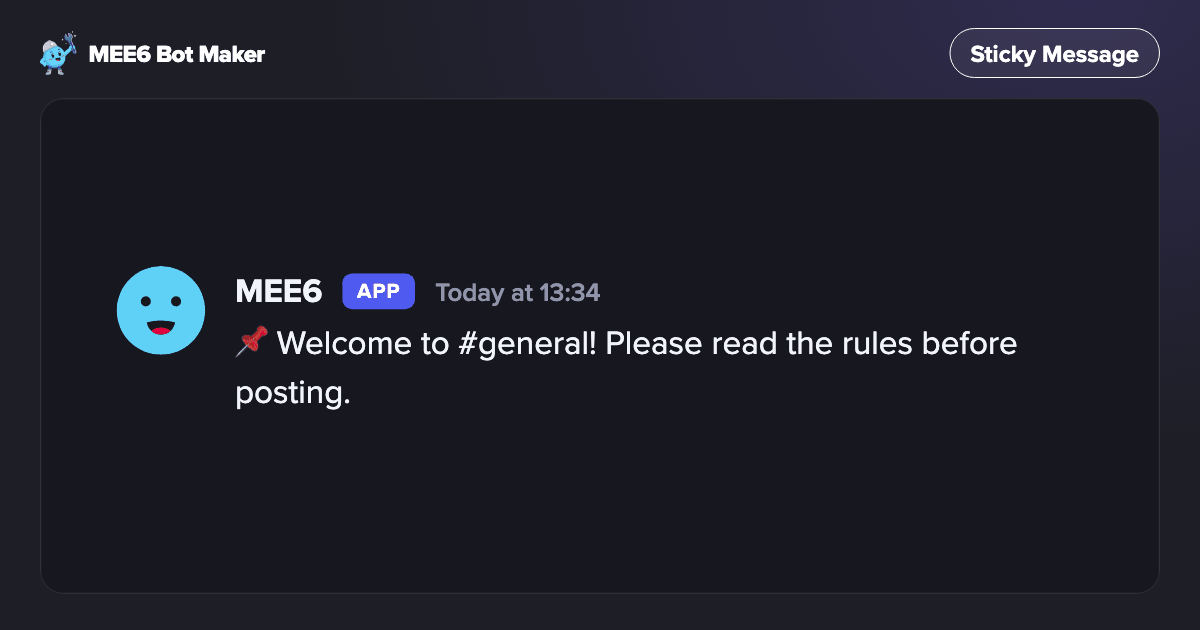
What it does
Sticky Message keeps a chosen message at the bottom of a channel by automatically reposting it after every 5 messages.
How to use
- Configure the channel in the dashboard settings (or it defaults to #general)
- Set your sticky message with
/sticky setand type the text you want to keep at the bottom - The message will automatically repost after every 5 messages in that channel
Settings
- Sticky channel: Choose which channel to keep the sticky message in
- Default text: The initial sticky message (can be changed with
/sticky set)
Perfect for channel rules, important announcements, or information you want members to always see!
Commands
/sticky setSet the sticky message text
Add Sticky Message to your server
Log in with Discord
Sign in with your Discord account and choose the server where you want it.
Try it here
Play with commands, buttons and replies in a simulated Discord server, right in your browser. Your real server stays untouched.
Add it to your server
Choose your server, check the settings and add your module. Want something different? Just ask MEE6 to change it.
The prompt behind it
Keep a sticky message at the bottom of a channel I choose: every time five messages are posted there, delete the previous sticky and post it again, with /sticky set to change its text