Temporary mute Discord bot
Temporarily mute members with automatic unmute.
No code needed. Try it in your browser before adding it to Discord.
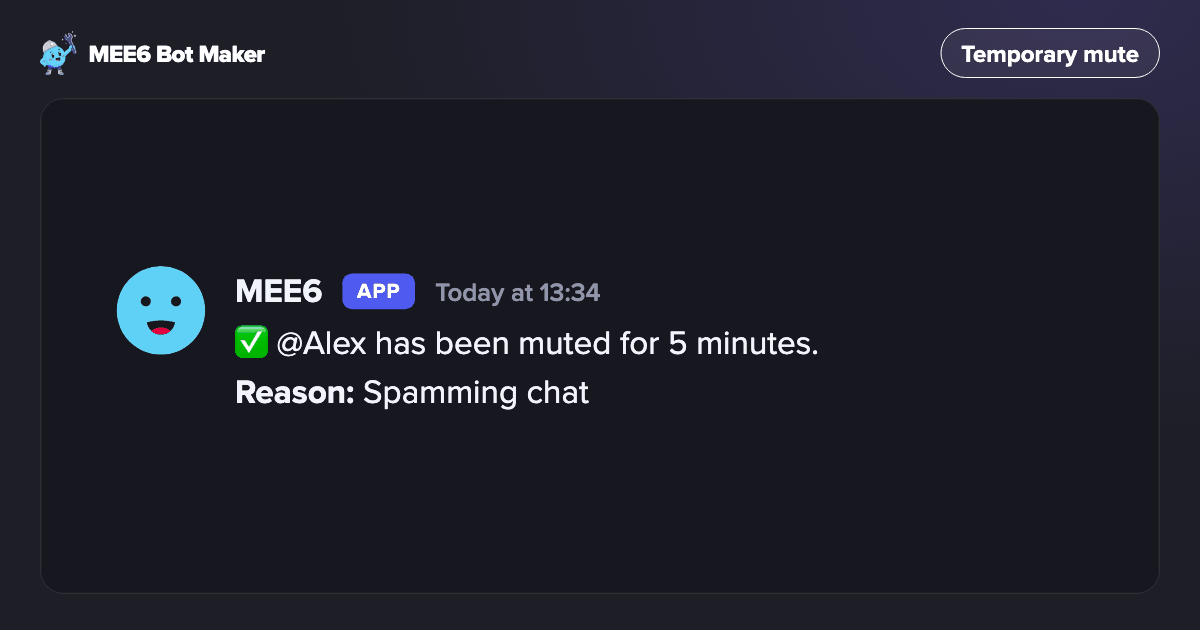
What it does
Temporarily mute members with automatic unmute.
Usage: /timedmute @member minutes [reason]
The command adds a configurable muted role for the specified duration (1 minute to 28 days) and automatically removes it when the time expires.
Setup: Configure the muted role in Settings. The bot needs Manage Roles permission and must have a higher role than the muted role.
Commands
/timedmuteTemporarily mute a member
Add Temporary mute to your server
Log in with Discord
Sign in with your Discord account and choose the server where you want it.
Try it here
Play with commands, buttons and replies in a simulated Discord server, right in your browser. Your real server stays untouched.
Add it to your server
Choose your server, check the settings and add your module. Want something different? Just ask MEE6 to change it.
The prompt behind it
Add a /timedmute command that gives the @Muted role for a number of minutes and removes it automatically when the time is up