Trivia Game Discord bot
A multiple-choice trivia game with scoring and leaderboards.
No code needed. Try it in your browser before adding it to Discord.
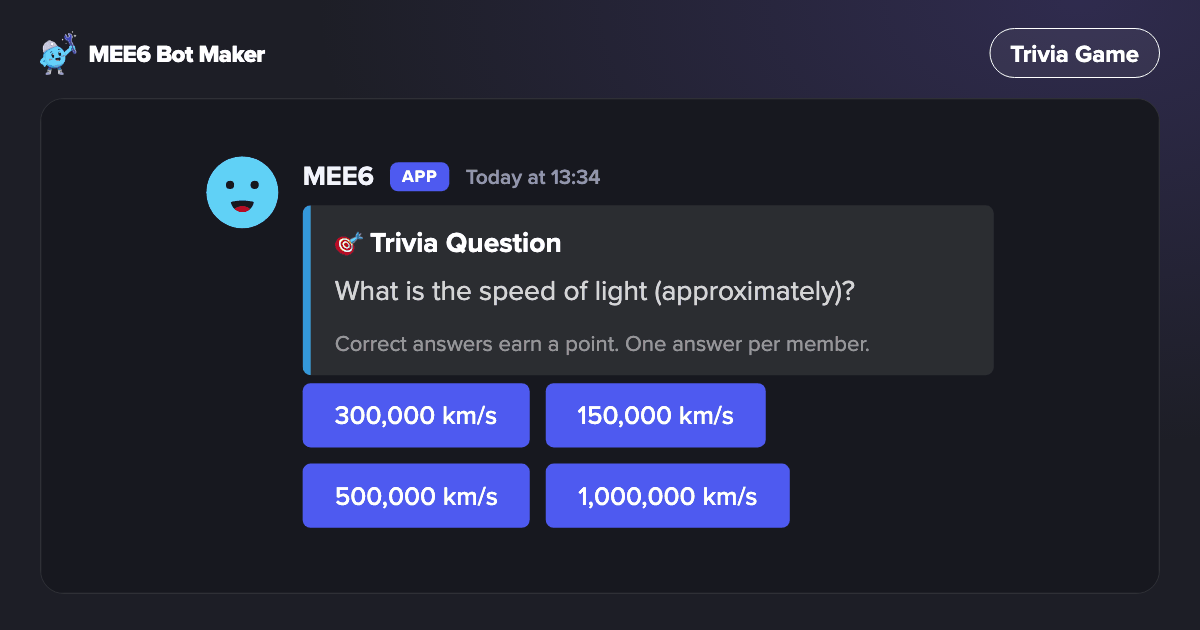
What it does
A multiple-choice trivia game with scoring and leaderboards.
Commands:
/trivia play— Get a random trivia question with multiple-choice buttons/trivia leaderboard— View the top 10 players/trivia stats— See your personal stats (correct, wrong, accuracy)/trivia setup— Enable weekly winner announcements (admin)
How it works:
- Members use
/trivia playto get a random question with button answers - First answer counts — you can only answer each question once
- Correct answers earn 1 point toward your score
- Every Sunday at 8 PM UTC, the top 3 players are announced in the configured channel
Setup:
Configure the announcement channel in the creation settings. Run /trivia setup to schedule weekly winner posts.
Ten starter questions are included. Edit the question list, its four answers and the correct answer in Setup without asking the agent to change code.
Commands
/trivia playAnswer a trivia question/trivia leaderboardShow top trivia players/trivia statsShow your trivia statistics/trivia setupSet up weekly winner announcements (admin only)
Add Trivia Game to your server
Log in with Discord
Sign in with your Discord account and choose the server where you want it.
Try it here
Play with commands, buttons and replies in a simulated Discord server, right in your browser. Your real server stays untouched.
Add it to your server
Choose your server, check the settings and add your module. Want something different? Just ask MEE6 to change it.
The prompt behind it
Build a trivia game with an editable question list in settings and ten starter questions, four answers per question, /trivia play with button answers, /trivia leaderboard, /trivia stats and /trivia setup, scoring and weekly winner announcements