Work Hours Tracker Discord bot
Track work hours for your team with simple clock-in and clock-out commands.
No code needed. Try it in your browser before adding it to Discord.
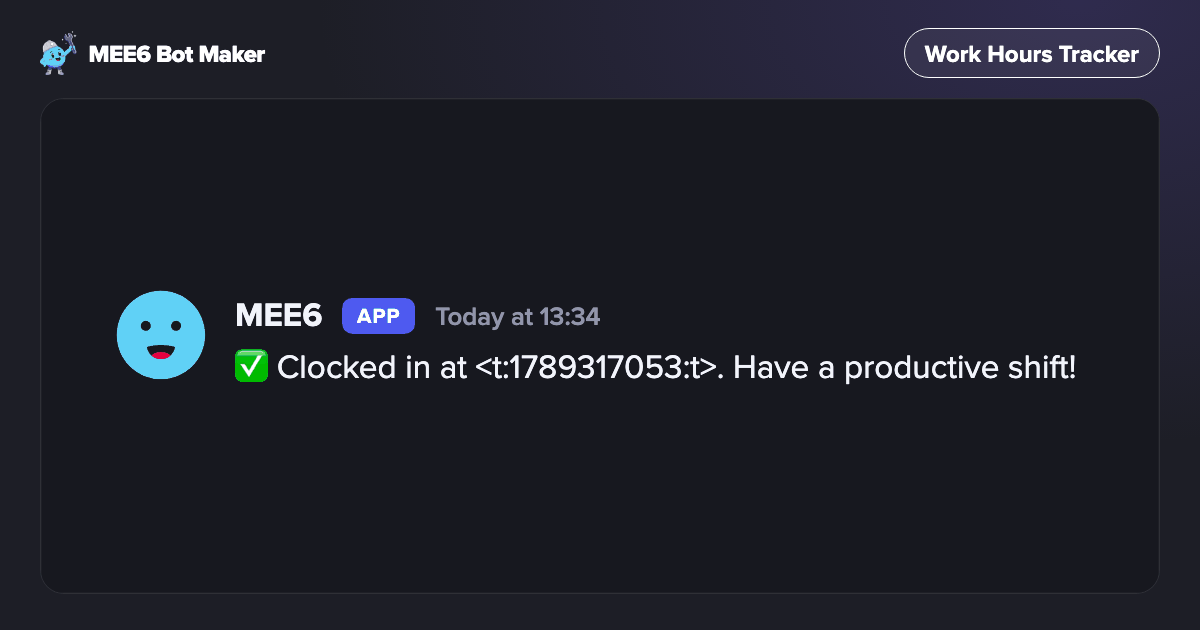
What it does
Track work hours for your team with simple clock-in and clock-out commands.
Commands:
/clockin— Start tracking your work time/clockout— Stop tracking and see your shift duration/hours [member]— View total hours worked this week
Automated Reports: Every Monday at 9am UTC, a report of everyone's hours from the previous week is posted to your chosen channel.
Setup: Configure the weekly report channel in the dashboard settings.
Commands
/clockinClock in to start tracking work time/clockoutClock out to stop tracking work time/hoursView a member's work hours for this week
Add Work Hours Tracker to your server
Log in with Discord
Sign in with your Discord account and choose the server where you want it.
Try it here
Play with commands, buttons and replies in a simulated Discord server, right in your browser. Your real server stays untouched.
Add it to your server
Choose your server, check the settings and add your module. Want something different? Just ask MEE6 to change it.
The prompt behind it
Add /clockin and /clockout which track the time a member works, /hours which shows a member\'s total for the week, and a report of everyone\'s hours every Monday at 9am UTC in a channel I choose