Colour roles Discord bot
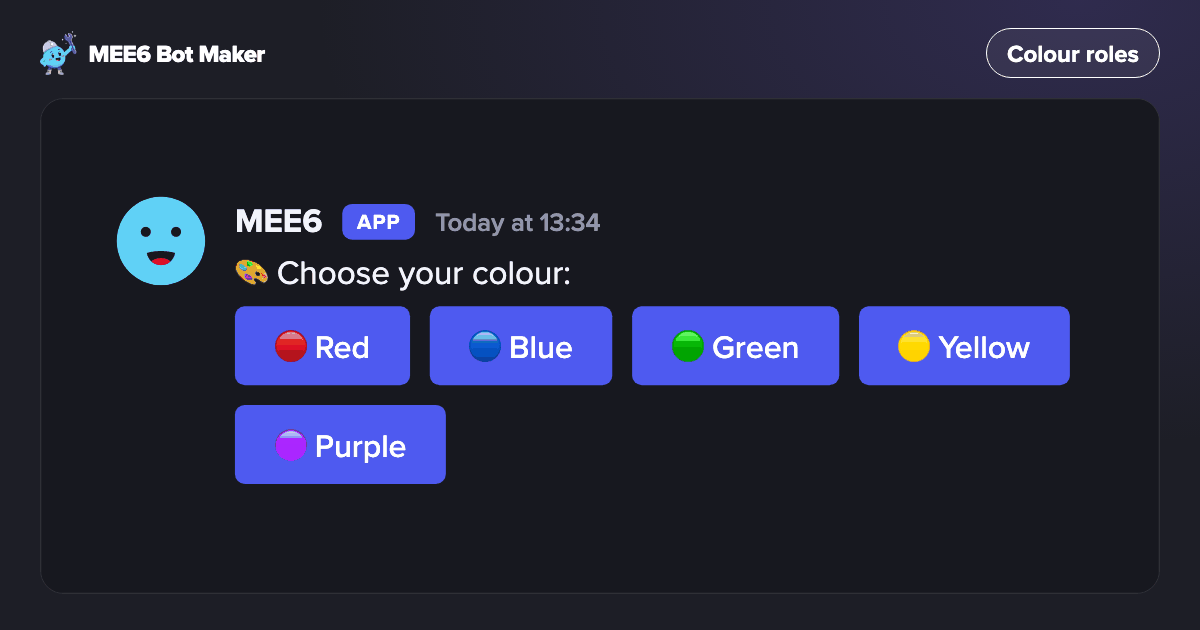
Members choose their colour role from a button panel. /colors posts buttons for up to five roles configured in settings. Clicking a button assigns that role and removes the other four; clicking again removes it. Perfect for cosmetic colour roles without needing permission management.
No code needed. Try it in your browser before adding it to Discord.
What it does
Members choose their colour role from a button panel. /colors posts buttons for up to five roles configured in settings. Clicking a button assigns that role and removes the other four; clicking again removes it. Perfect for cosmetic colour roles without needing permission management.
Commands
/colorsPick your colour role
Add Colour roles to your server
Log in with Discord
Sign in with your Discord account and choose the server where you want it.
Try it here
Play with commands, buttons and replies in a simulated Discord server, right in your browser. Your real server stays untouched.
Add it to your server
Choose your server, check the settings and add your module. Want something different? Just ask MEE6 to change it.
The prompt behind it
Add /colors which posts a message with one button per colour role I choose in settings (five roles); clicking a button gives that role and removes the other four Use list settings for up to five colour roles selected by the admin. Prefix each button label with the closest coloured circle emoji based on the actual role colour, using a white circle for roles without a colour.