Verification Discord bot
Simple verification system for Discord servers.
No code needed. Try it in your browser before adding it to Discord.
What it does
Simple verification system for Discord servers.
How it works
- An admin runs
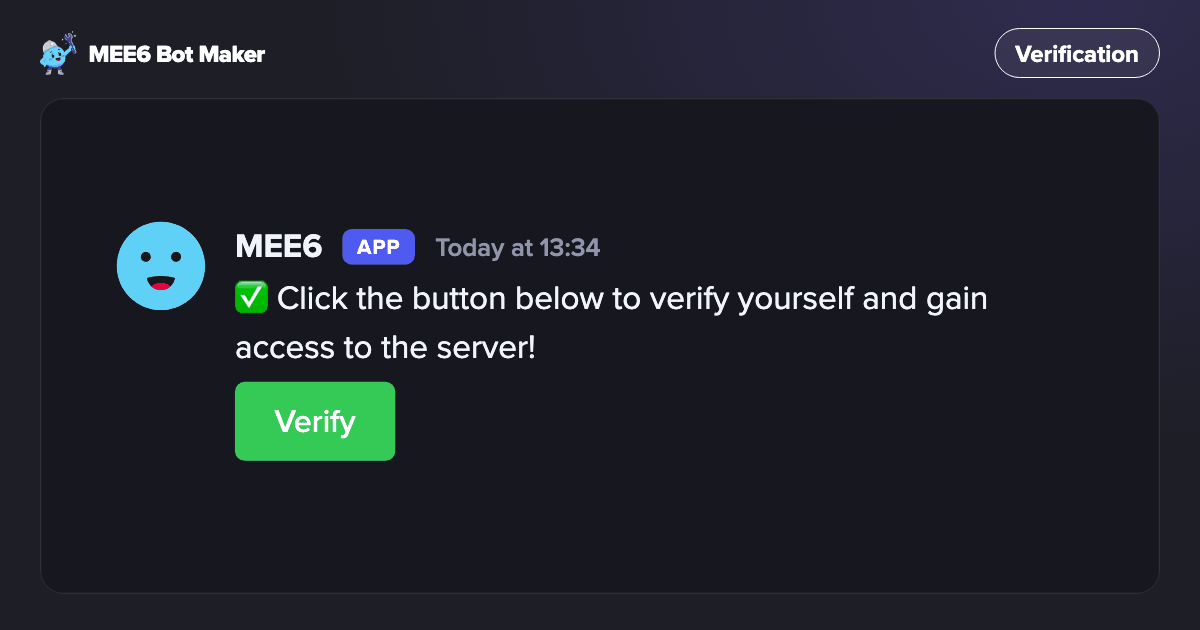
/verifyin a channel to post the verification button - Members click the button to receive the verified role
- The bot checks if they already have the role to avoid duplicate grants
Setup
Configure the Verified role setting in the dashboard — pick which role should be granted when members verify themselves.
Commands
/verifyPost verification button
Add Verification to your server
Log in with Discord
Sign in with your Discord account and choose the server where you want it.
Try it here
Play with commands, buttons and replies in a simulated Discord server, right in your browser. Your real server stays untouched.
Add it to your server
Choose your server, check the settings and add your module. Want something different? Just ask MEE6 to change it.
The prompt behind it
Add a /verify command that posts a message with a button, and give the @Verified role to whoever clicks it