Server Info Discord bot
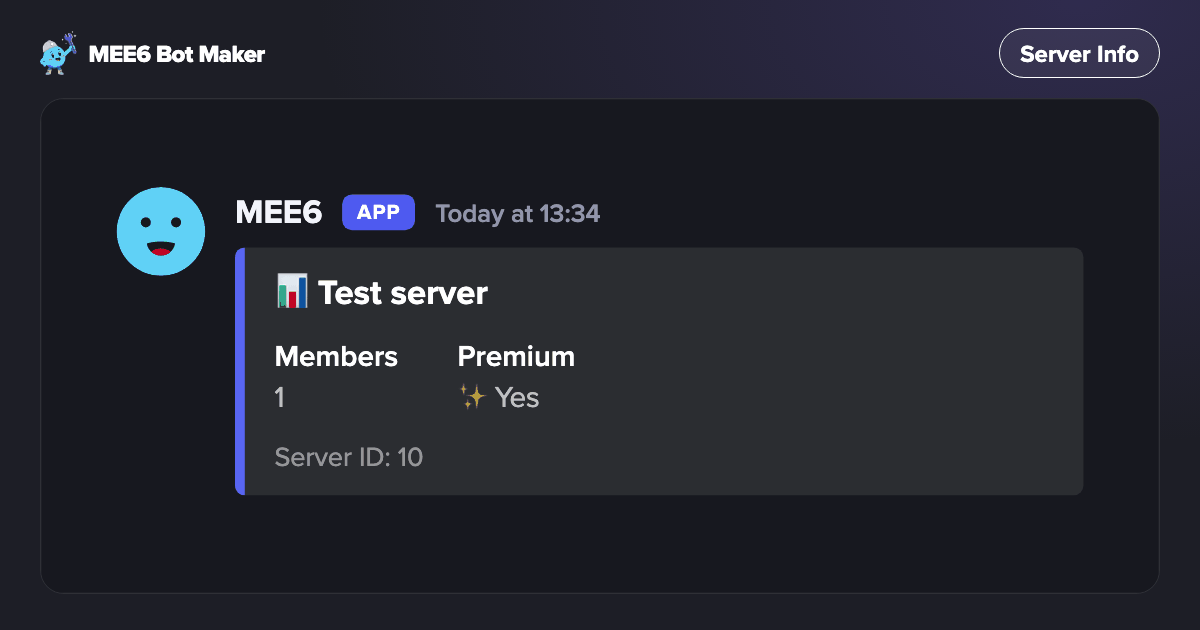
Shows server information including the server name, member count, and Premium status. Use /serverinfo to display a formatted embed with these details.
No code needed. Try it in your browser before adding it to Discord.
What it does
Shows server information including the server name, member count, and Premium status. Use /serverinfo to display a formatted embed with these details.
Commands
/serverinfoDisplay server information
Add Server Info to your server
Log in with Discord
Sign in with your Discord account and choose the server where you want it.
Try it here
Play with commands, buttons and replies in a simulated Discord server, right in your browser. Your real server stays untouched.
Add it to your server
Choose your server, check the settings and add your module. Want something different? Just ask MEE6 to change it.
The prompt behind it
Add a /serverinfo command that replies with a nice embed showing the server name, the member count and whether it is Premium