Day or night pictures Discord bot
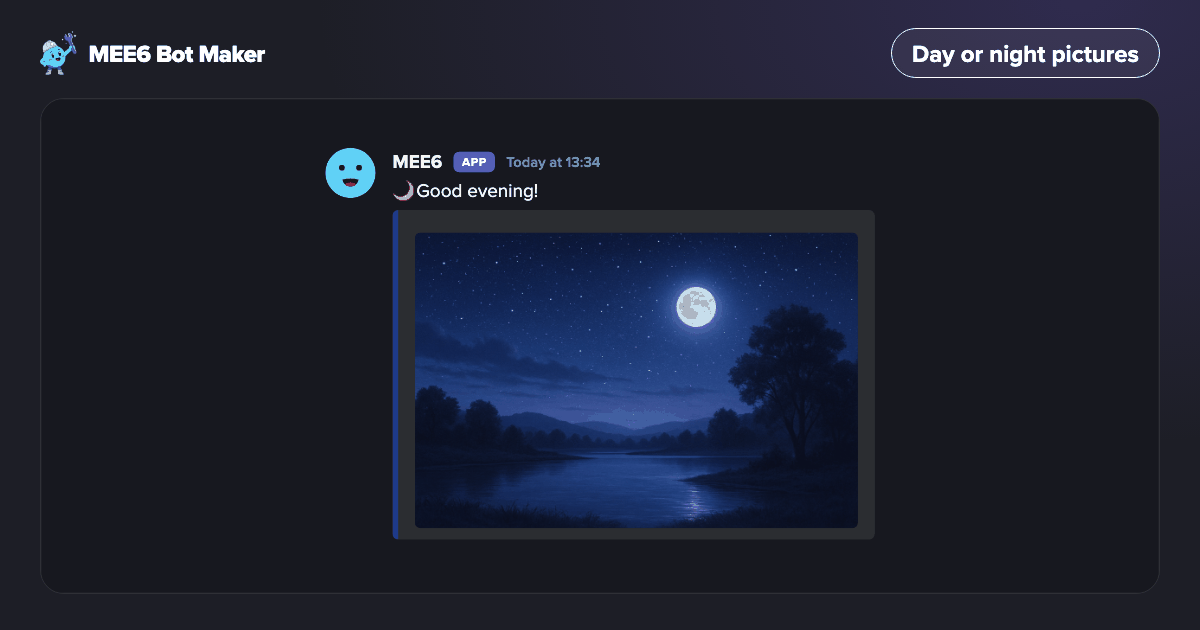
When someone posts a voice-chat ping in your configured channel, this creation replies with a time-appropriate picture: a sunny morning scene between 8am–8pm UTC, or a calm night scene at other times.
No code needed. Try it in your browser before adding it to Discord.
What it does
When someone posts a voice-chat ping in your configured channel, this creation replies with a time-appropriate picture: a sunny morning scene between 8am–8pm UTC, or a calm night scene at other times.
Setup: Choose which channel to monitor in the dashboard settings.
The creation automatically detects channel mentions (<#...>) in messages and responds with the appropriate picture based on the current UTC hour.
Add Day or night pictures to your server
Log in with Discord
Sign in with your Discord account and choose the server where you want it.
Try it here
Play with commands, buttons and replies in a simulated Discord server, right in your browser. Your real server stays untouched.
Add it to your server
Choose your server, check the settings and add your module. Want something different? Just ask MEE6 to change it.
The prompt behind it
When someone posts a voice-chat ping in a channel I choose, reply with a sunny morning picture between 8am and 8pm UTC and a calm night picture otherwise; make the two pictures with the image model