Role Picker Discord bot
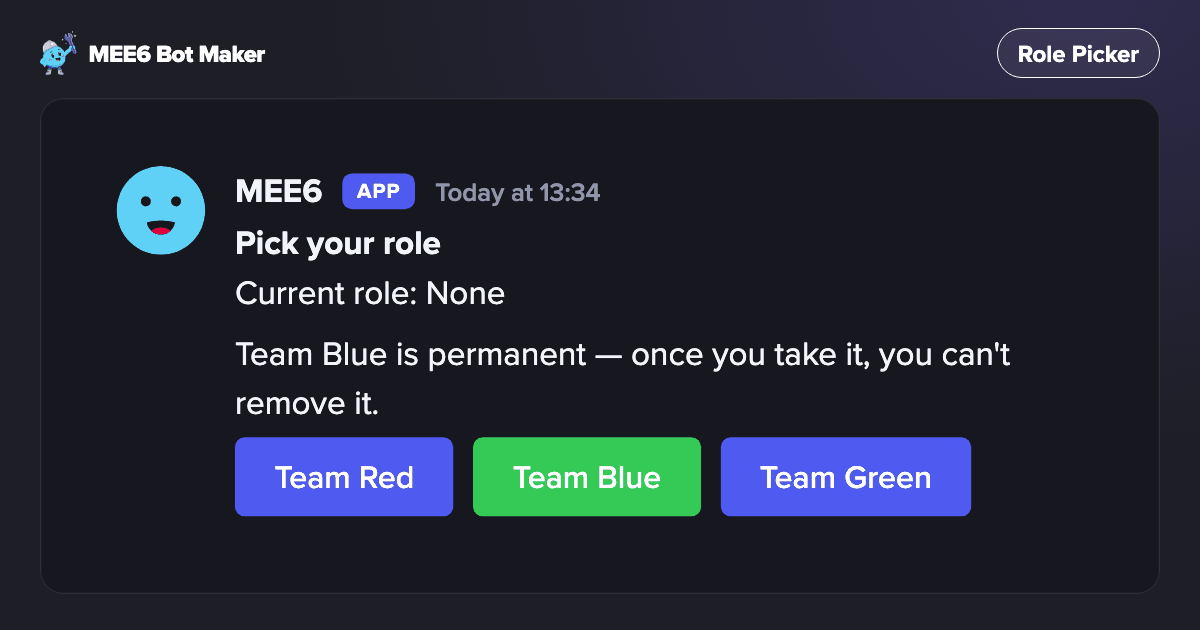
A role picker that lets verified members choose between three configurable roles. Members can hold only one of the three roles at a time, and one role (Team Blue by default) is marked as permanent — once taken, it can never be removed.
No code needed. Try it in your browser before adding it to Discord.
What it does
A role picker that lets verified members choose between three configurable roles. Members can hold only one of the three roles at a time, and one role (Team Blue by default) is marked as permanent — once taken, it can never be removed.
How to use:
- Admins configure four roles in settings: the verification requirement and three picker roles
/rolesshows the picker to verified members only- Click a button to take that role (removes your current role from the three)
- The second role (Team Blue) is permanent and cannot be removed once taken
Commands
/rolesPick your role
Add Role Picker to your server
Log in with Discord
Sign in with your Discord account and choose the server where you want it.
Try it here
Play with commands, buttons and replies in a simulated Discord server, right in your browser. Your real server stays untouched.
Add it to your server
Choose your server, check the settings and add your module. Want something different? Just ask MEE6 to change it.
The prompt behind it
Add /roles which posts one button per role I choose in settings (three roles); only members with the @Verified role can use it and others get a private refusal, a member can hold only one of the three at a time, and one role marked as permanent in the code can be taken but never given back Use an editable list of up to five roles with a permanent flag per role; keep the verified role as a separate required setting.