Role Tag Prefix Discord bot
Automatically adds a customizable tag prefix to member nicknames when they gain a specific role, and removes it when they lose the role.
No code needed. Try it in your browser before adding it to Discord.
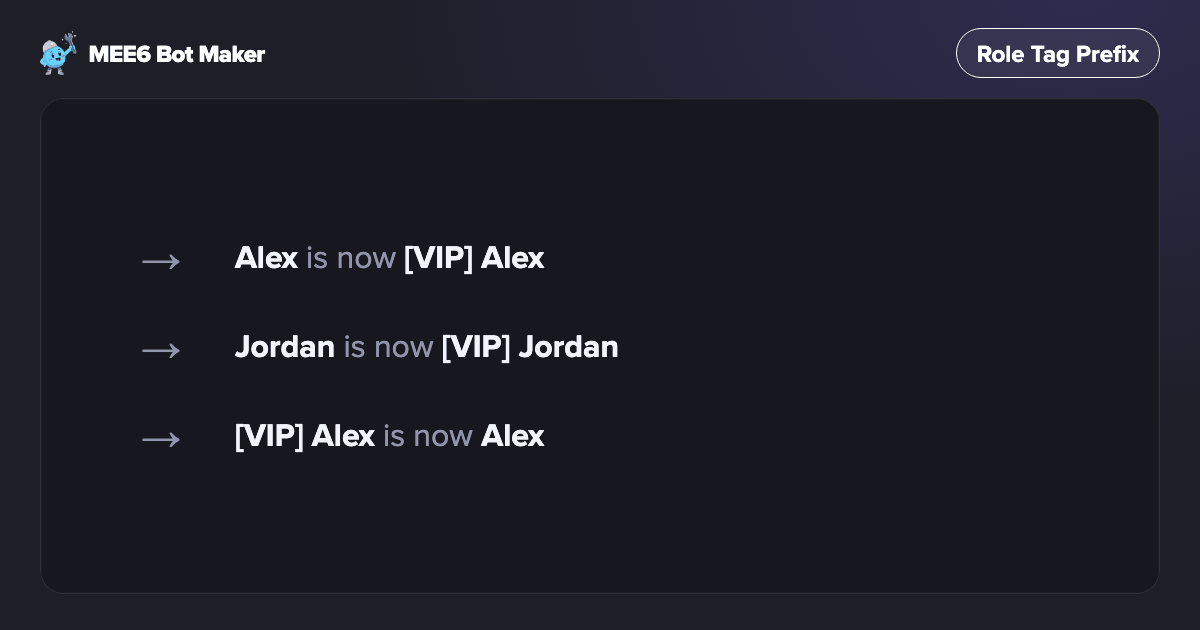
What it does
Automatically adds a customizable tag prefix to member nicknames when they gain a specific role, and removes it when they lose the role.
Setup:
- Choose the role to track in settings
- Set the tag prefix (default:
[VIP])
How it works:
- When a member gains the configured role, their nickname is prefixed with the tag
- When they lose the role, the tag is automatically removed
- Gracefully handles members the bot cannot manage (server owner, higher roles)
- Won't add duplicate tags or interfere with other nickname prefixes
Add Role Tag Prefix to your server
Log in with Discord
Sign in with your Discord account and choose the server where you want it.
Try it here
Play with commands, buttons and replies in a simulated Discord server, right in your browser. Your real server stays untouched.
Add it to your server
Choose your server, check the settings and add your module. Want something different? Just ask MEE6 to change it.
The prompt behind it
When a member gains a role I choose in settings, prefix their nickname with a short tag for that role, and remove the tag when they lose the role; never touch the nickname of members the bot cannot manage