Auto-purge Discord bot
Auto-purge clears up to 50 messages from a chosen channel every hour and logs the results.
No code needed. Try it in your browser before adding it to Discord.
What it does
Auto-purge clears up to 50 messages from a chosen channel every hour and logs the results.
Setup
Configure three settings in the dashboard:
- Channel to auto-purge — where messages will be cleared
- Log channel — where purge summaries are posted
- Staff role — who can pause/resume
Usage
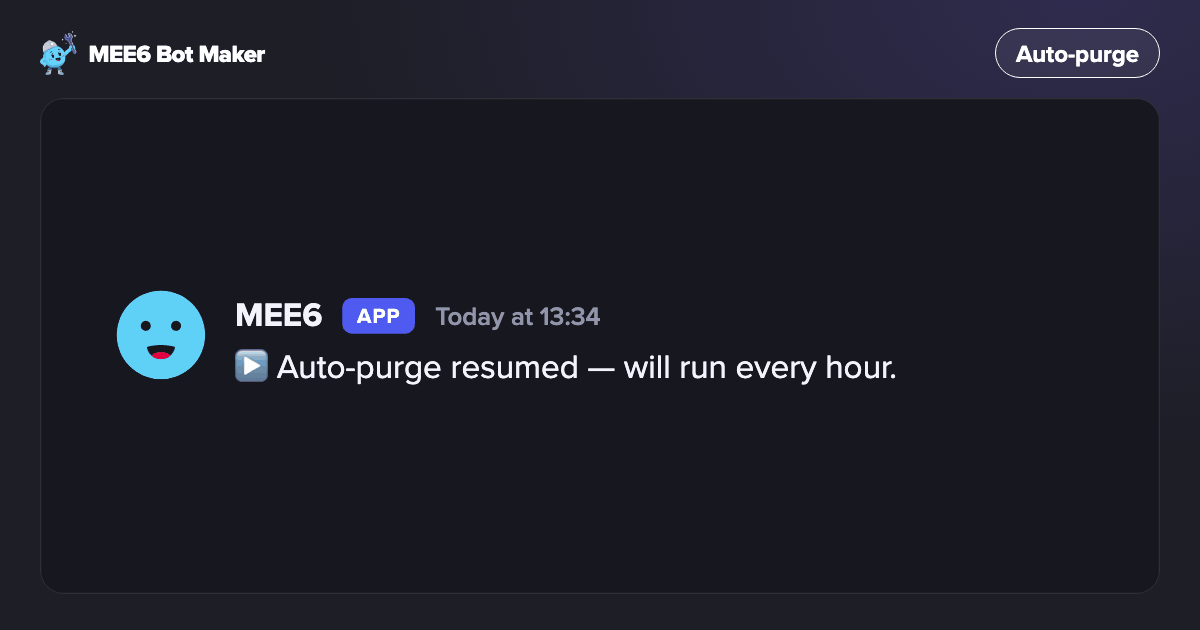
/autopurge resume— Start the hourly purge schedule (staff only)/autopurge pause— Stop the automatic purging (staff only)
The purge runs every hour and logs how many messages were removed to your mod-logs channel.
Commands
/autopurge pausePause automatic purging/autopurge resumeResume automatic purging
Add Auto-purge to your server
Log in with Discord
Sign in with your Discord account and choose the server where you want it.
Try it here
Play with commands, buttons and replies in a simulated Discord server, right in your browser. Your real server stays untouched.
Add it to your server
Choose your server, check the settings and add your module. Want something different? Just ask MEE6 to change it.
The prompt behind it
Every hour, purge the last 50 messages of a channel I choose and log how many were removed in #mod-logs, with /autopurge pause and /autopurge resume for the @Staff role