Image blacklist Discord bot
Moderators blacklist a picture with one right-click — Apps → Blacklist this picture — and the module removes the message.
No code needed. Try it in your browser before adding it to Discord.
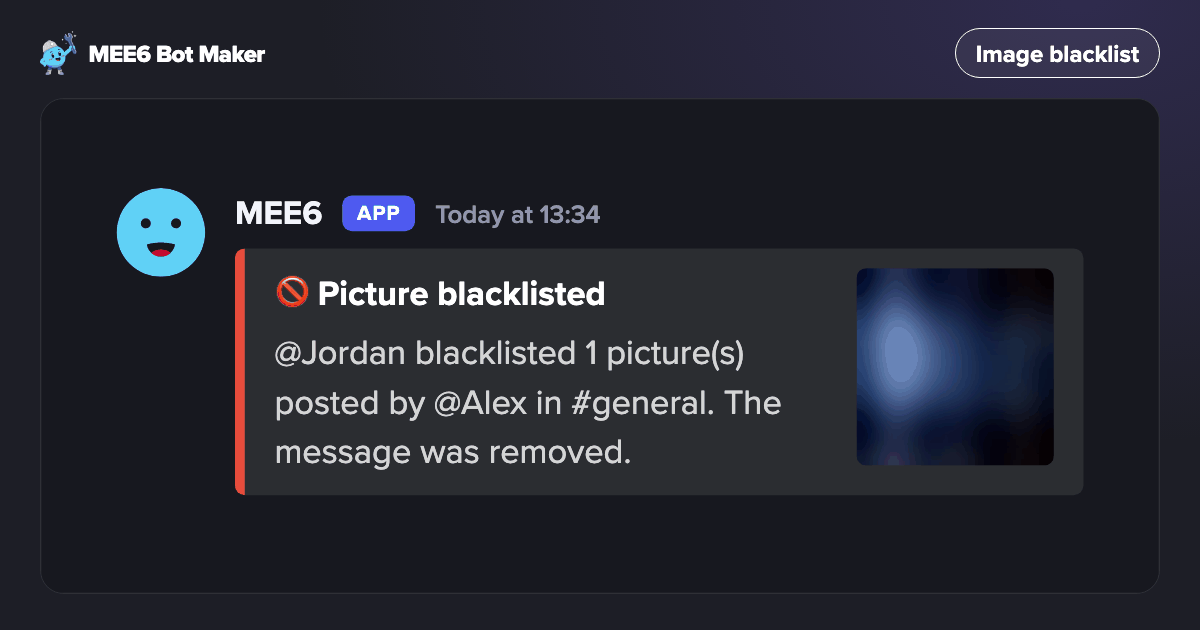
What it does
Moderators blacklist a picture with one right-click — Apps → Blacklist this picture — and the module removes the message. From then on, anyone posting that picture again, as a file or as a pasted link, recompressed or resized, has the message deleted, is timed out, and is told why in DMs; the log channel keeps the record.
Setup
- Pick the Moderator role that may blacklist pictures (its members are never filtered) and the Log channel in the Deploy tab.
- Set the timeout length in minutes, or 0 to only delete.
How it works
Recognition uses the fingerprint Discord computes for every picture it serves — nothing is downloaded, and only the fingerprint is stored, never the picture. /blacklist list shows the entries with how often each was caught; /blacklist remove takes one off.
Commands
/blacklist listShow the blacklisted pictures/blacklist removeTake a picture off the blacklist
Add Image blacklist to your server
Log in with Discord
Sign in with your Discord account and choose the server where you want it.
Try it here
Play with commands, buttons and replies in a simulated Discord server, right in your browser. Your real server stays untouched.
Add it to your server
Choose your server, check the settings and add your module. Want something different? Just ask MEE6 to change it.
The prompt behind it
Let moderators right-click a picture to blacklist it; when anyone posts that picture again, as a file or a link, delete it, time them out for an hour and report it in a log channel, with commands to list and remove blacklisted pictures