Auto-role and verification Discord bot
Automatically manages member roles and verification:
No code needed. Try it in your browser before adding it to Discord.
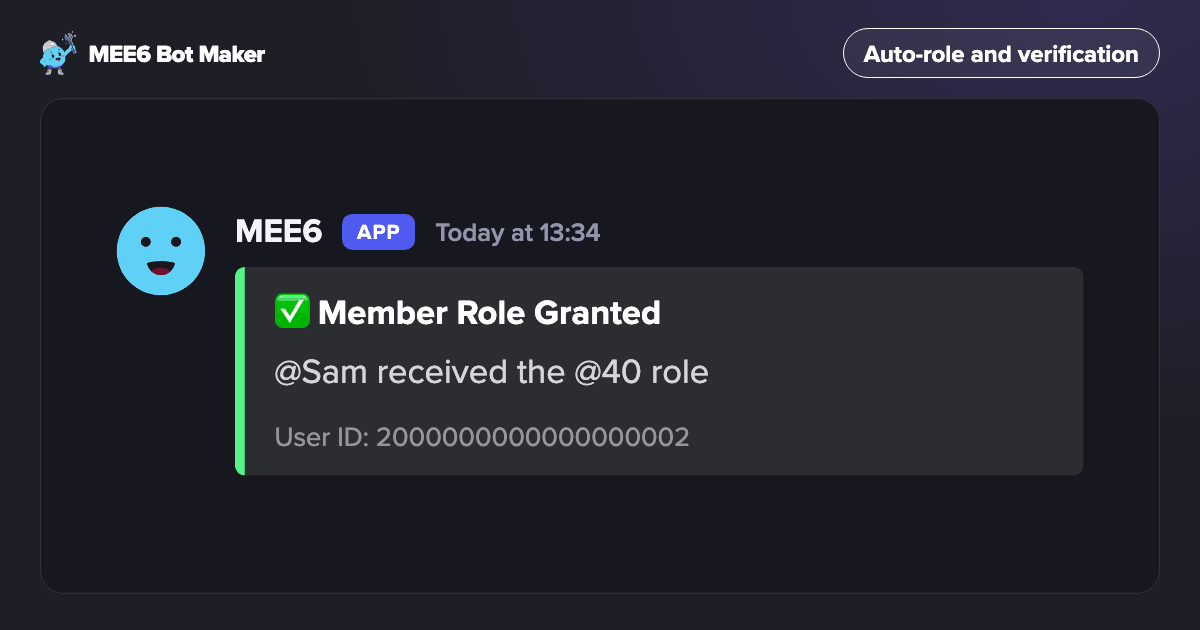
What it does
Automatically manages member roles and verification:
- 10 minutes after joining: Grants the @Member role
- 24 hours after joining: Checks for the @Verified role — logs who never verified, and kicks them only when Kick unverified members is on
- Logs all actions: Posts to mod logs channel with details
Configure the three required settings in the dashboard: Member role, Verified role, and Mod logs channel. Kicks are off by default; a check scheduled before a role setting changed is skipped rather than enforced.
Add Auto-role and verification to your server
Log in with Discord
Sign in with your Discord account and choose the server where you want it.
Try it here
Play with commands, buttons and replies in a simulated Discord server, right in your browser. Your real server stays untouched.
Add it to your server
Choose your server, check the settings and add your module. Want something different? Just ask MEE6 to change it.
The prompt behind it
Give the @Member role 10 minutes after someone joins, and kick anyone still without the @Verified role 24 hours after joining, logging both in #mod-logs