Honeypot Moderator Discord bot
Honeypot Moderator automatically catches and removes bad actors who post in a designated trap channel.
No code needed. Try it in your browser before adding it to Discord.
What it does
Honeypot Moderator automatically catches and removes bad actors who post in a designated trap channel.
How it works:
- Any member who posts in your honeypot channel is immediately banned or kicked, and their message is deleted
- Staff members (configurable role) are immune and can post safely
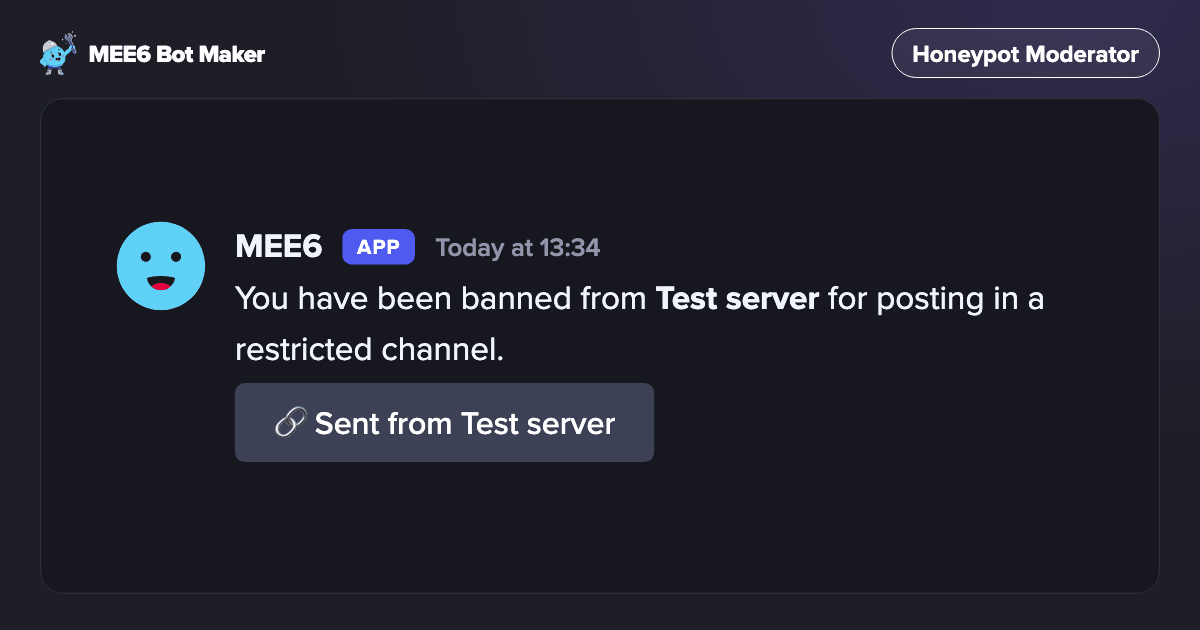
- The caught member receives a DM explaining why they were removed
- Every catch is logged to your mod-logs channel with full details
Setup: Configure these settings in the dashboard:
- Honeypot channel — the trap channel (e.g., a hidden channel made visible to suspicious accounts)
- Mod log channel — where catches are logged
- Staff role — members with this role are immune
- Action — choose "ban" or "kick"
Perfect for catching raiders, bots, or alt accounts that mass-join and post immediately.
Add Honeypot Moderator to your server
Log in with Discord
Sign in with your Discord account and choose the server where you want it.
Try it here
Play with commands, buttons and replies in a simulated Discord server, right in your browser. Your real server stays untouched.
Add it to your server
Choose your server, check the settings and add your module. Want something different? Just ask MEE6 to change it.
The prompt behind it
Ban anyone who posts in the honeypot channel unless they have the @Staff role, delete their message, DM them the reason first, log every catch in #mod-logs, and let me choose to kick instead of ban