Link Filter Discord bot
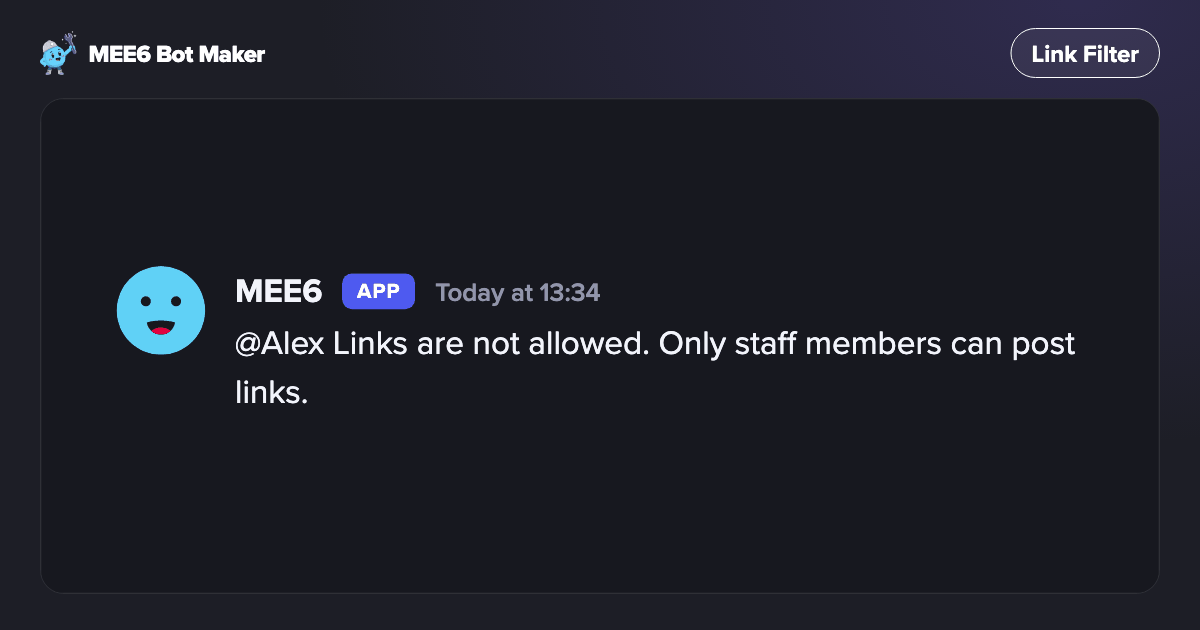
Automatically removes messages containing links from members without the staff role and posts a self-deleting warning.
No code needed. Try it in your browser before adding it to Discord.
What it does
Automatically removes messages containing links from members without the staff role and posts a self-deleting warning.
Setup
- Set the Staff role in settings — members with this role can post links freely
How it works
- Any message with
http://orhttps://from a non-staff member is deleted immediately - A warning is posted mentioning the member, then auto-deleted after 30 seconds
- Staff members can post links without restriction
Add Link Filter to your server
Log in with Discord
Sign in with your Discord account and choose the server where you want it.
Try it here
Play with commands, buttons and replies in a simulated Discord server, right in your browser. Your real server stays untouched.
Add it to your server
Choose your server, check the settings and add your module. Want something different? Just ask MEE6 to change it.
The prompt behind it
Delete any message containing a link unless the author has the @Staff role, and warn them in the channel with a message that deletes itself