Message Filter Discord bot
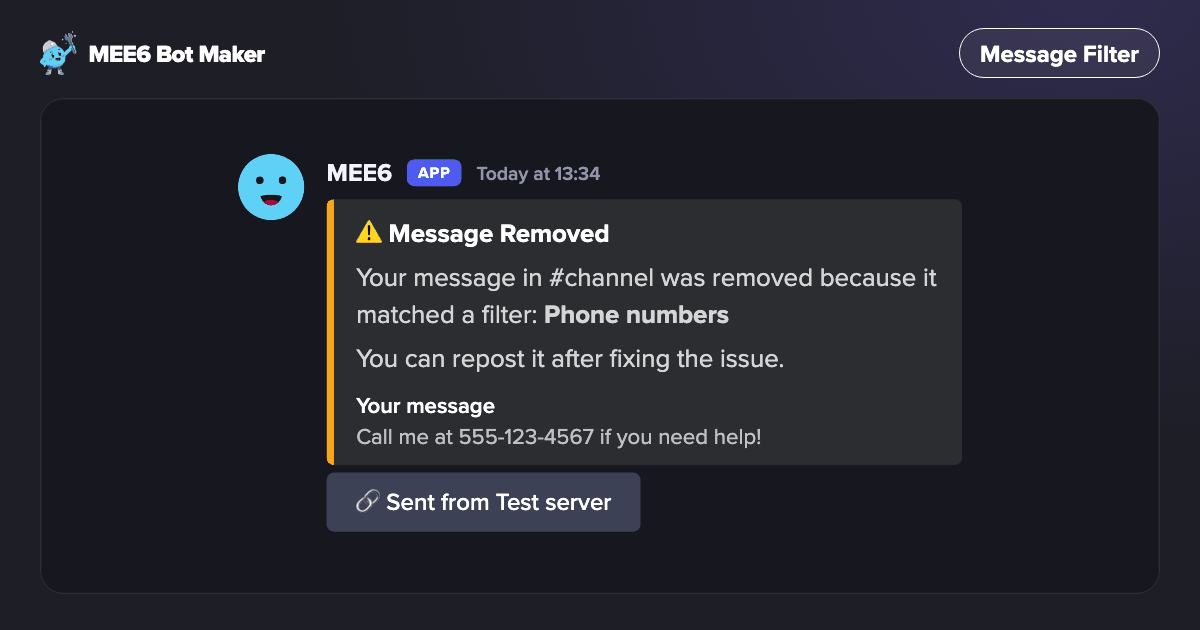
Automatically removes messages matching configurable regex patterns (phone numbers, Discord invites, crypto addresses by default) and DMs the author their message so they can repost it fixed. Staff can add custom patterns with /filter add, view all patterns with /filter list, and remove them with /filter remove.
No code needed. Try it in your browser before adding it to Discord.
What it does
Automatically removes messages matching configurable regex patterns (phone numbers, Discord invites, crypto addresses by default) and DMs the author their message so they can repost it fixed. Staff can add custom patterns with /filter add, view all patterns with /filter list, and remove them with /filter remove.
Commands
/filter addAdd a filter pattern (staff only)/filter listList all filter patterns (staff only)/filter removeRemove a filter pattern by number (staff only)
Add Message Filter to your server
Log in with Discord
Sign in with your Discord account and choose the server where you want it.
Try it here
Play with commands, buttons and replies in a simulated Discord server, right in your browser. Your real server stays untouched.
Add it to your server
Choose your server, check the settings and add your module. Want something different? Just ask MEE6 to change it.
The prompt behind it
Delete messages matching a list of regular expressions in the code (phone numbers, invite links, crypto addresses), DM the author their text so they can repost it fixed, and let the @Staff role add a pattern with /filter add and see them with /filter list