Purge messages Discord bot
Bulk delete messages in a channel, restricted to staff.
No code needed. Try it in your browser before adding it to Discord.
What it does
Bulk delete messages in a channel, restricted to staff.
Usage: /purge count:50
Requirements:
- Set the Staff role in settings (who can use this command)
- Only members with that role can purge messages
- Count must be between 1 and 100
How it works:
- Staff member runs
/purgewith a count - The bot deletes that many recent messages (skips those older than 14 days)
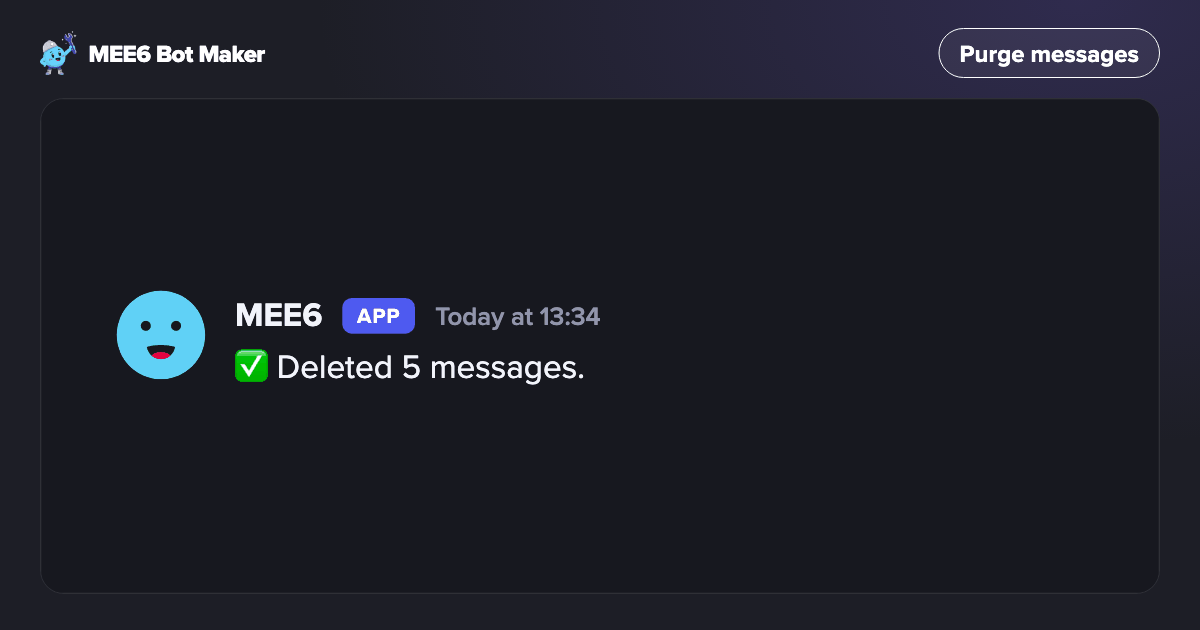
- Replies privately with how many were actually removed
The reply is ephemeral (only visible to you), so it doesn't clutter the channel.
Commands
/purgeDelete recent messages
Add Purge messages to your server
Log in with Discord
Sign in with your Discord account and choose the server where you want it.
Try it here
Play with commands, buttons and replies in a simulated Discord server, right in your browser. Your real server stays untouched.
Add it to your server
Choose your server, check the settings and add your module. Want something different? Just ask MEE6 to change it.
The prompt behind it
Add a /purge command, restricted to the @Staff role, that deletes the last N messages of the channel and confirms privately how many it removed