Role Manager Discord bot
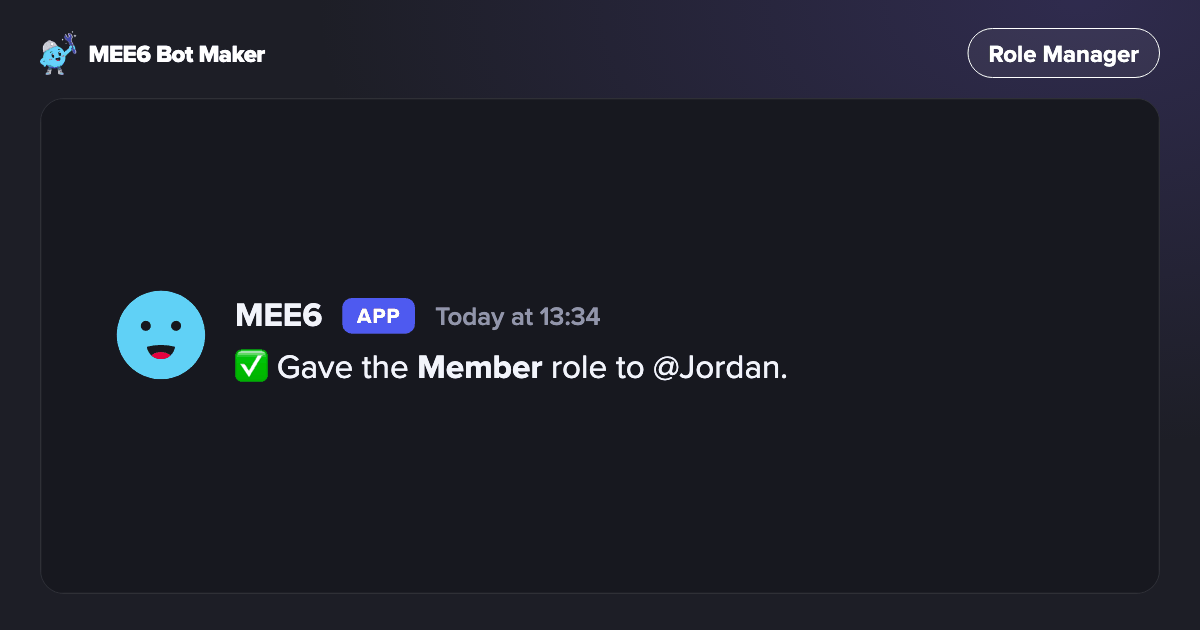
Restricted /giverole and /takerole commands that let staff members assign or remove three configurable roles from members. All changes are logged to a designated channel with timestamps and staff attribution.
No code needed. Try it in your browser before adding it to Discord.
What it does
Restricted /giverole and /takerole commands that let staff members assign or remove three configurable roles from members. All changes are logged to a designated channel with timestamps and staff attribution.
Commands
/giveroleGive a role to a member (staff only)/takeroleRemove a role from a member (staff only)
Add Role Manager to your server
Log in with Discord
Sign in with your Discord account and choose the server where you want it.
Try it here
Play with commands, buttons and replies in a simulated Discord server, right in your browser. Your real server stays untouched.
Add it to your server
Choose your server, check the settings and add your module. Want something different? Just ask MEE6 to change it.
The prompt behind it
Add /giverole and /takerole, restricted to the @Staff role, that give or remove one of the roles I list in settings (three roles) from a member the moderator names, and log each change in a channel I choose