Warning system Discord bot
Track member warnings with automatic escalation and appeals
No code needed. Try it in your browser before adding it to Discord.
What it does
Track member warnings with automatic escalation and appeals
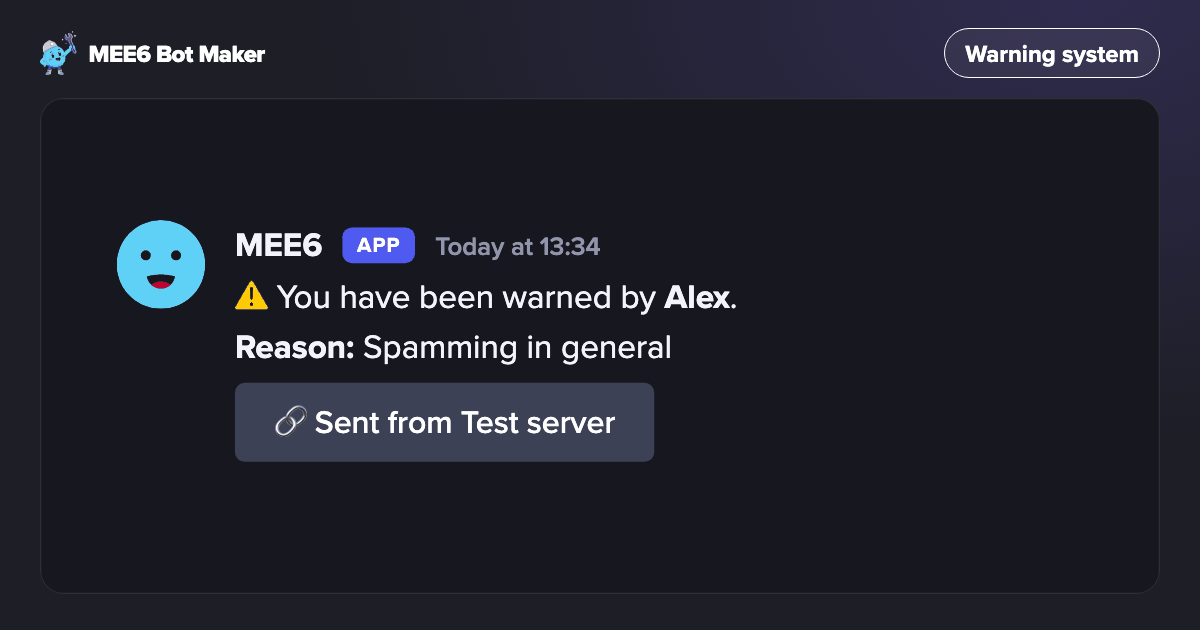
Staff can warn members with /strike, which DMs them the reason and who warned them. Warnings are tracked with exact dates and automatically expire after 30 days.
Auto-escalation: 3 warnings in 7 days → 1 hour timeout, 5 warnings → kick
Commands:
/strike @member reason— issue a warning (auto-escalates)/note @member note— add a private staff note (doesn't count toward escalation)/strikes @member— view full warning and note history/unstrike @member— remove the most recent warning/appeal— member opens a private thread with staff to appeal warnings
Set the Staff role in settings so appeals ping the right team.
Commands
/strikeWarn a member — auto-escalates at 3 (timeout) and 5 (kick)/noteAdd a private staff note to a member (does not count as a warning)/strikesShow a member's full warning and note history/unstrikeRemove a member's most recent warning (notes are not removed)/appealOpen a private appeal thread with staff
Add Warning system to your server
Log in with Discord
Sign in with your Discord account and choose the server where you want it.
Try it here
Play with commands, buttons and replies in a simulated Discord server, right in your browser. Your real server stays untouched.
Add it to your server
Choose your server, check the settings and add your module. Want something different? Just ask MEE6 to change it.
The prompt behind it
Build a warning system: /strike DMs the member the reason and who warned them and keeps the warning with its date, three warnings in 7 days time them out for an hour and five kick them, warnings expire after 30 days; /strikes shows a member\'s full history with exact dates, /note adds a private staff note, /unstrike removes the last warning, and /appeal opens a private thread with the @Staff role